1
IV-Client Guide
Using Templates
1.
2.
3.
4.
5.
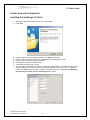
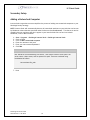
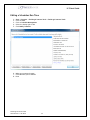
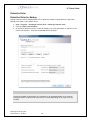
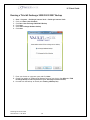
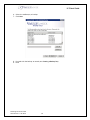
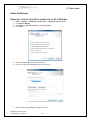
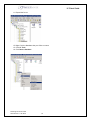
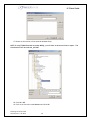
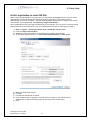
Start > Programs > VaultLogix Internet Vault > VaultLogix Internet Vault.
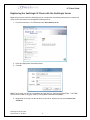
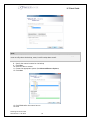
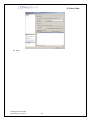
Click on Create a New Schedule
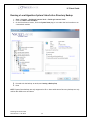
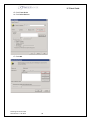
Enter a unique name for the backup job
Choose File Backup
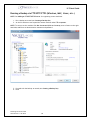
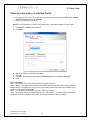
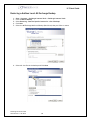
Specify the computers/drives that you wish to apply the template backup to
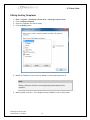
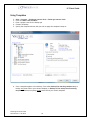
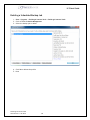
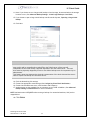
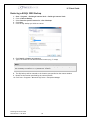
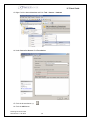
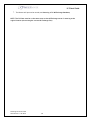
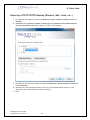
6. Since a template applies to this backup, Click either Backup files matching template only to
backup only those files in your chosen template, or Backup all files except those matching
template to backup everything except those files in your chosen template.
VaultLogix IV-Client Guide
Generated on: 1/22/2010
18