1
ProSafe Managed Switch
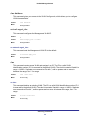
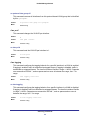
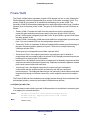
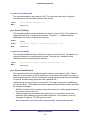
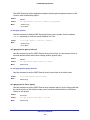
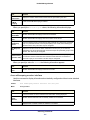
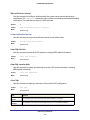
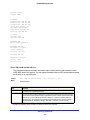
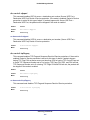
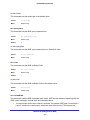
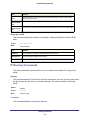
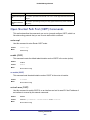
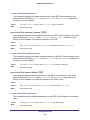
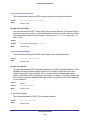
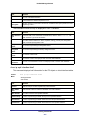
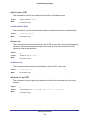
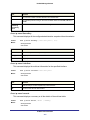
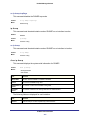
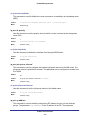
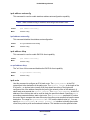
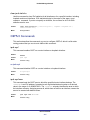
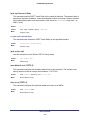
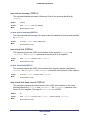
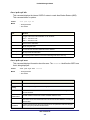
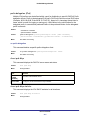
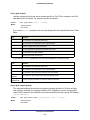
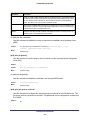
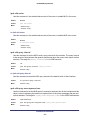
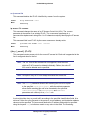
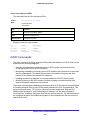
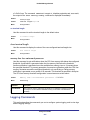
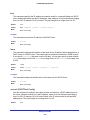
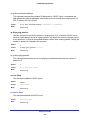
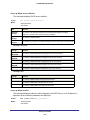
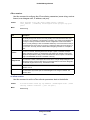
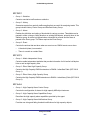
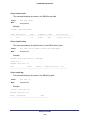
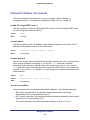
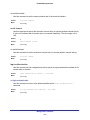
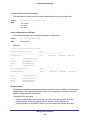
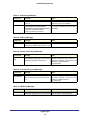
ipv6 mld router
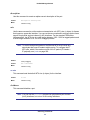
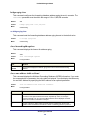
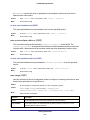
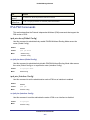
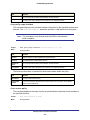
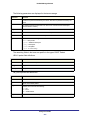
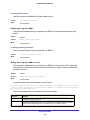
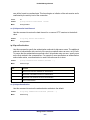
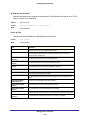
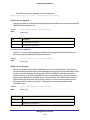
Use this command, in the administrative mode of the router, to enable MLD in the router.
Default
Disabled
Format
ipv6 mld router
Mode
• Global Config
• Interface Config
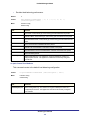
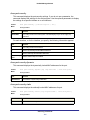
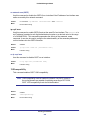
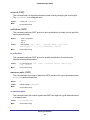
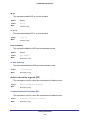
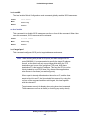
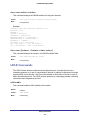
no ipv6 mld router
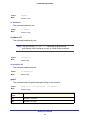
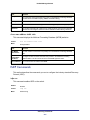
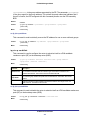
Use this command, in the administrative mode of the router, to disable MLD in the router.
Default
Disabled
Format
no ipv6 mld router
Mode
• Global Config
• Interface Config
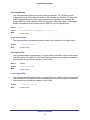
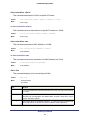
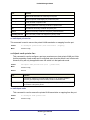
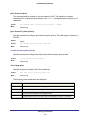
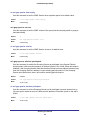
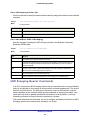
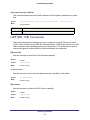
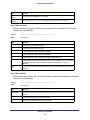
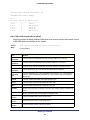
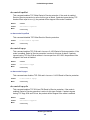
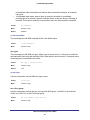
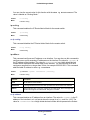
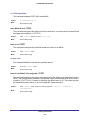
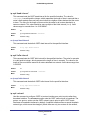
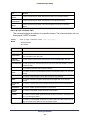
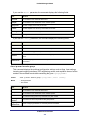
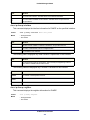
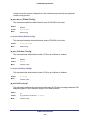
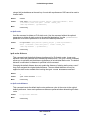
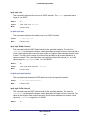
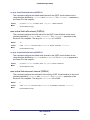
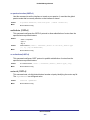
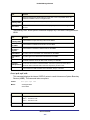
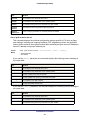
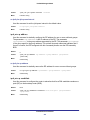
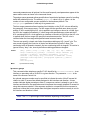
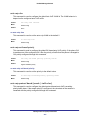
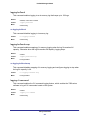
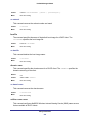
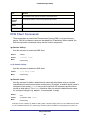
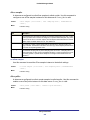
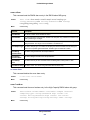
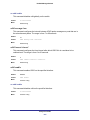
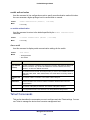
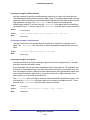
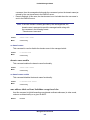
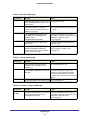
ipv6 mld query-interval
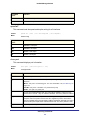
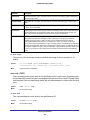
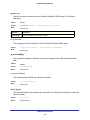
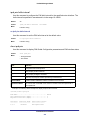
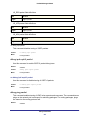
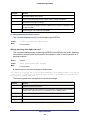
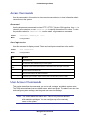
Use this command to set the MLD router’s query interval for the interface. The query-interval
is the amount of time between the general queries sent when the router is the querier on that
interface. The range for <query-interval> is 1 to 3600 seconds.
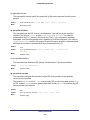
Default
125
Format
ipv6 mld query-interval <query-interval>
Mode
Interface Config
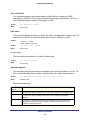
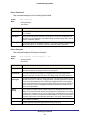
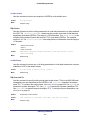
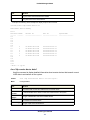
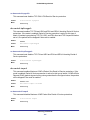
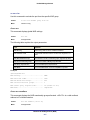
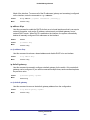
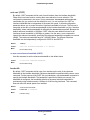
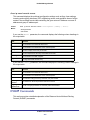
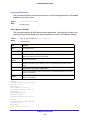
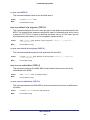
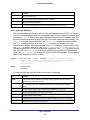
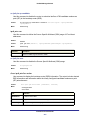
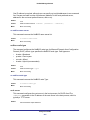
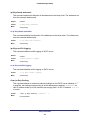
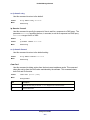
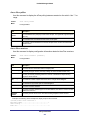
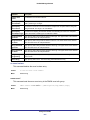
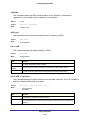
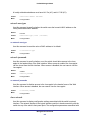
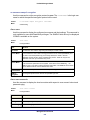
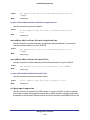
no ipv6 mld query-interval
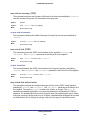
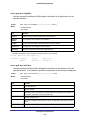
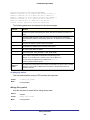
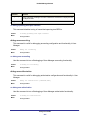
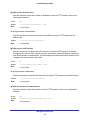
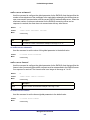
Use this command to reset the MLD query interval to the default value for that interface.
Format
no ipv6 mld query-interval
Mode
Interface Config
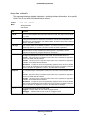
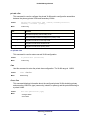
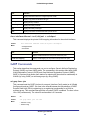
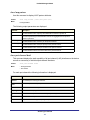
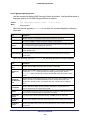
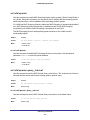
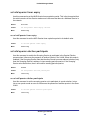
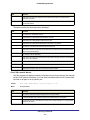
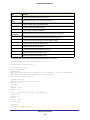
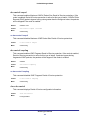
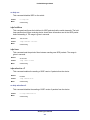
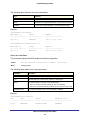
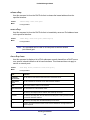
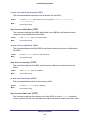
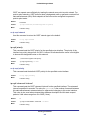
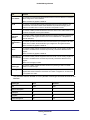
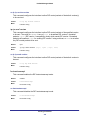
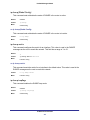
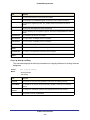
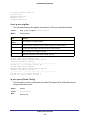
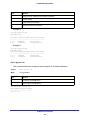
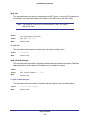
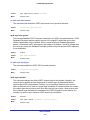
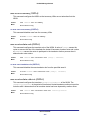
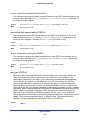
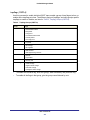
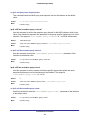
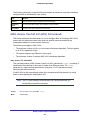
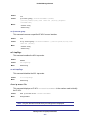
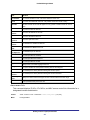
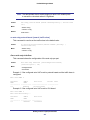
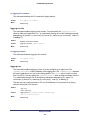
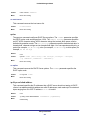
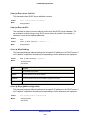
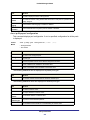
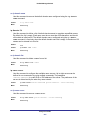
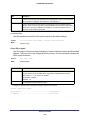
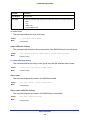
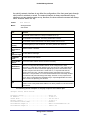
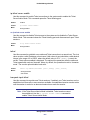
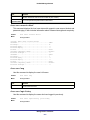
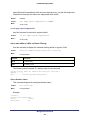
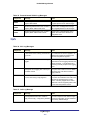
ipv6 mld query-max-response-time
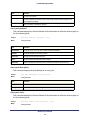
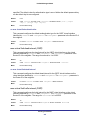
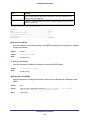
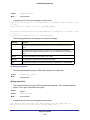
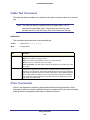
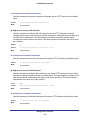
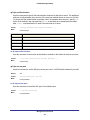
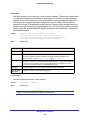
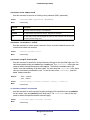
Use this command to set the MLD querier’s maximum response time for the interface and this
value is used in assigning the maximum response time in the query messages that are sent
on that interface. The range for <query-max-response-time> is 0 to 65535 milliseconds.
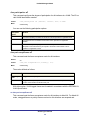
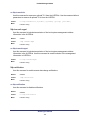
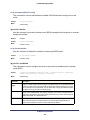
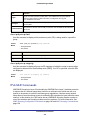
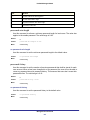
Default
10000 milliseconds
Format
ipv6 mld query-max-response-time <query-max-response-time>
Mode
Interface Config
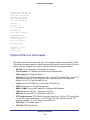
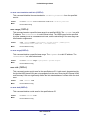
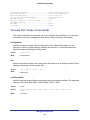
IPv6 Multicast Commands
426