1
ProSafe Managed Switch
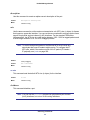
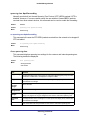
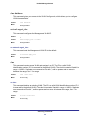
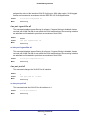
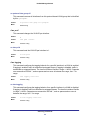
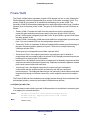
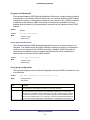
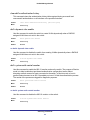
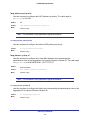
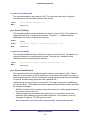
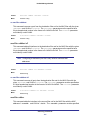
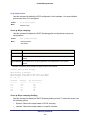
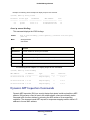
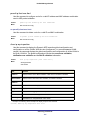
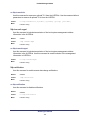
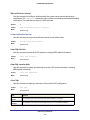
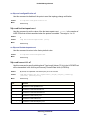
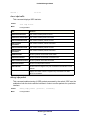
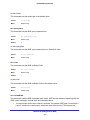
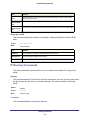
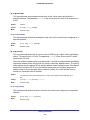
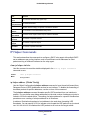
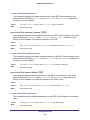
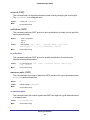
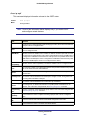
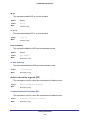
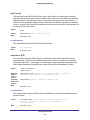
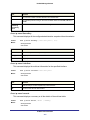
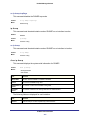
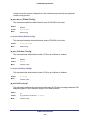
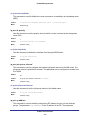
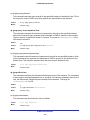
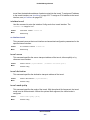
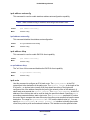
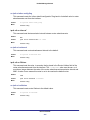
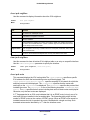
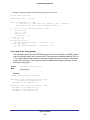
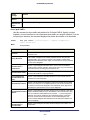
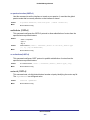
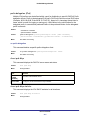
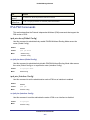
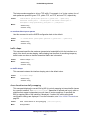
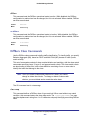
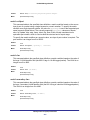
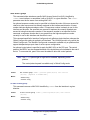
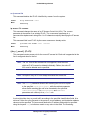
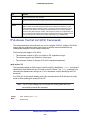
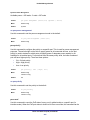
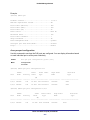
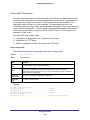
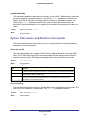
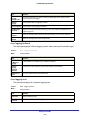
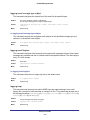
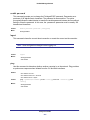
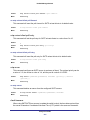
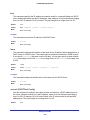
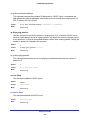
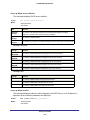
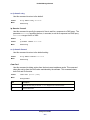
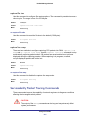
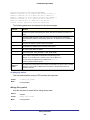
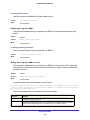
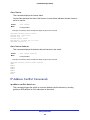
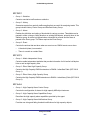
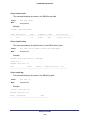
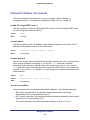
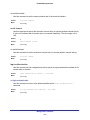
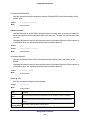
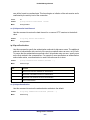
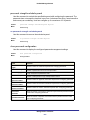
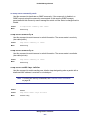
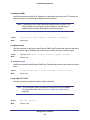
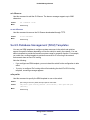
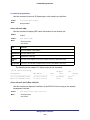
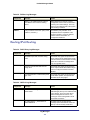
no username snmpv3 encryption
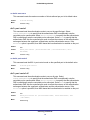
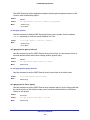
Use this command to set the encryption protocol to none. The <username> is the login user
name for which the specified encryption protocol will be used.
Format
no username snmpv3 encryption <username>
Mode
Global Config
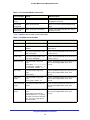
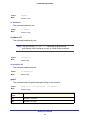
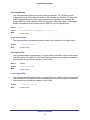
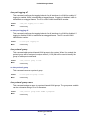
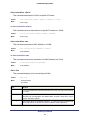
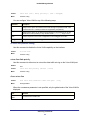
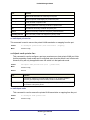
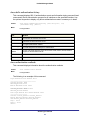
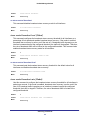
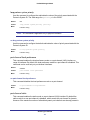
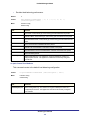
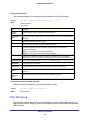
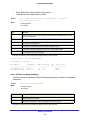
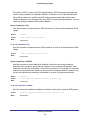
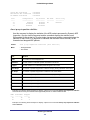
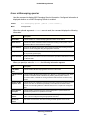
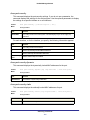
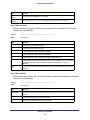
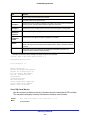
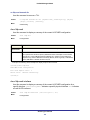
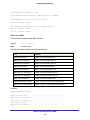
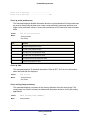
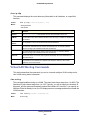
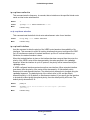
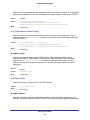
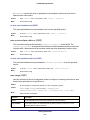
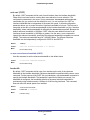
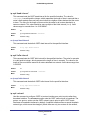
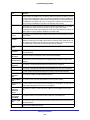
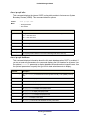
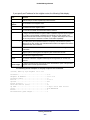
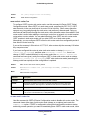
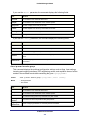
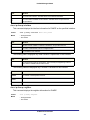
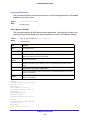
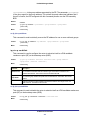
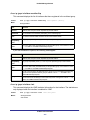
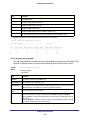
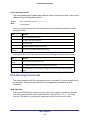
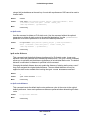
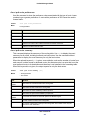
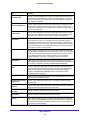
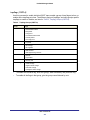
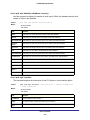
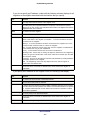
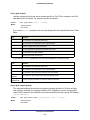
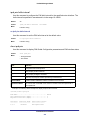
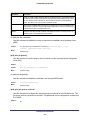
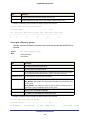
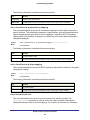
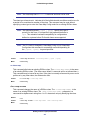
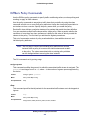
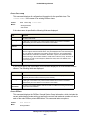
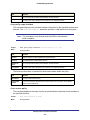
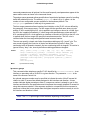
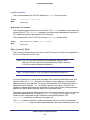
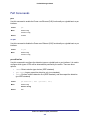
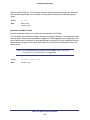
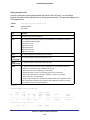
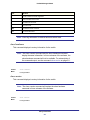
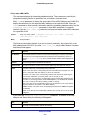
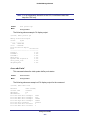
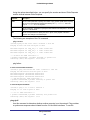
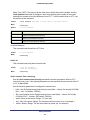
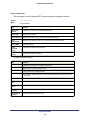
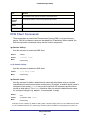
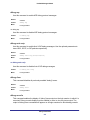
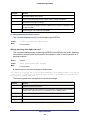
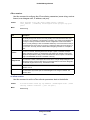
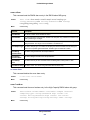
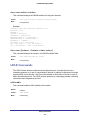
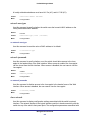
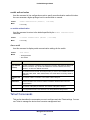
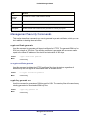
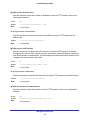
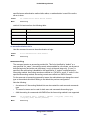
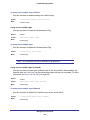
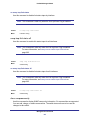
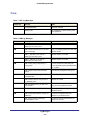
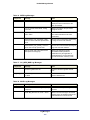
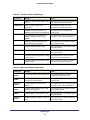
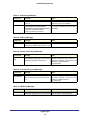
show users
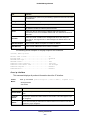
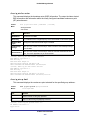
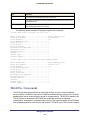
Use this command to display the configured user names and their settings. This command is
only available for users with Read/Write privileges. The SNMPv3 fields will only be displayed
if SNMP is available on the system.
Format
show users
Mode
Privileged EXEC
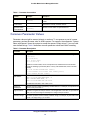
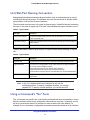
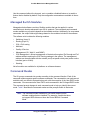
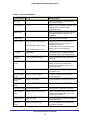
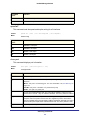
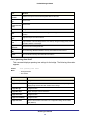
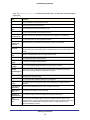
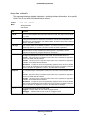
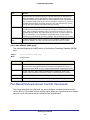
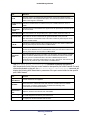
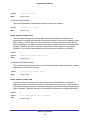
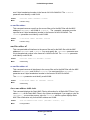
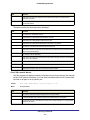
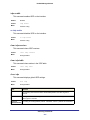
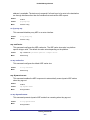
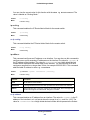
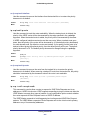
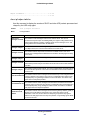
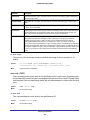
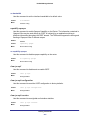
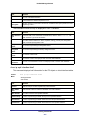
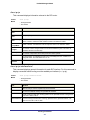
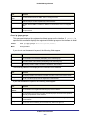
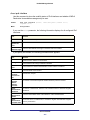
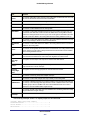
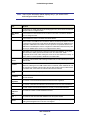
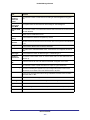
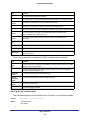
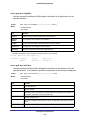
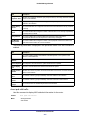
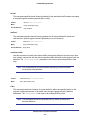
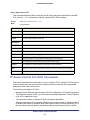
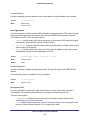
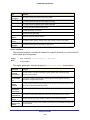
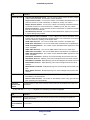
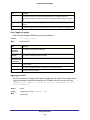
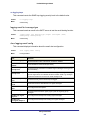
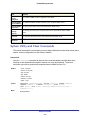
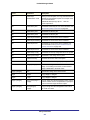
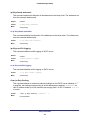
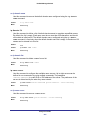
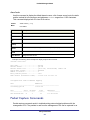
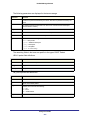
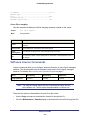
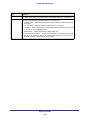
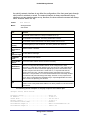
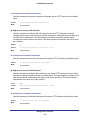
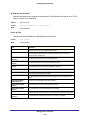
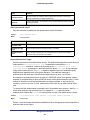
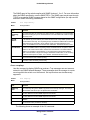
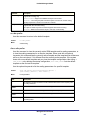
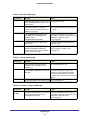
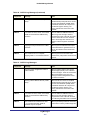
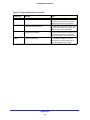
Term
Definition
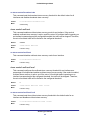
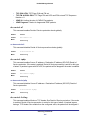
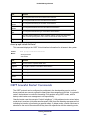
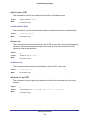
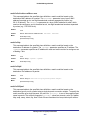
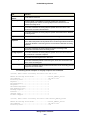
User Name
The name the user enters to login using the serial port, Telnet or Web.
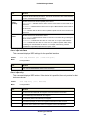
Access Mode
Shows whether the user is able to change parameters on the switch (Read/Write) or is
only able to view them (Read Only). As a factory default, the “admin” user has
Read/Write access and the “guest” has Read Only access. There can only be one
Read/Write user and up to five Read Only users.
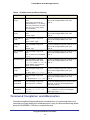
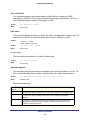
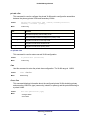
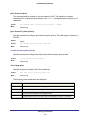
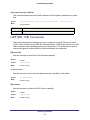
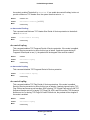
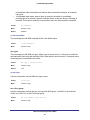
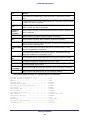
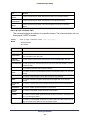
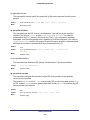
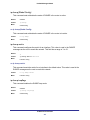
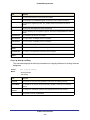
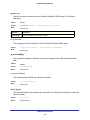
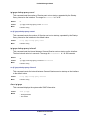
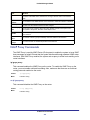
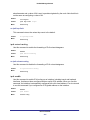
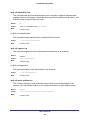
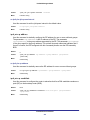
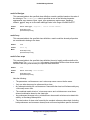
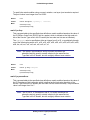
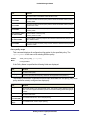
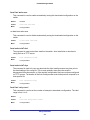
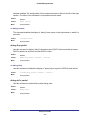
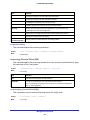
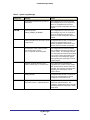
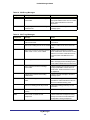
SNMPv3
Access Mode
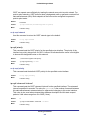
The SNMPv3 Access Mode. If the value is set to ReadWrite, the SNMPv3 user is able
to set and retrieve parameters on the system. If the value is set to ReadOnly, the
SNMPv3 user is only able to retrieve parameter information. The SNMPv3 access mode
may be different than the CLI and Web access mode.
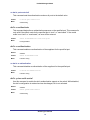
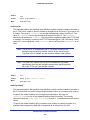
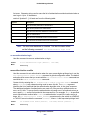
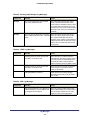
SNMPv3
Authentication
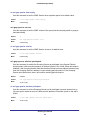
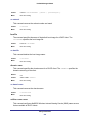
The authentication protocol to be used for the specified login user.
SNMPv3
Encryption
The encryption protocol to be used for the specified login user.
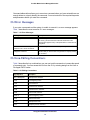
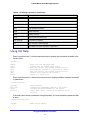
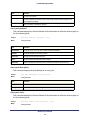
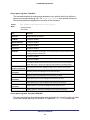
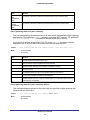
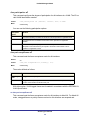
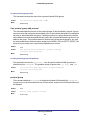
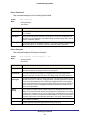
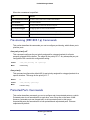
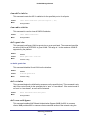
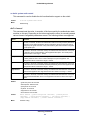
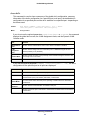
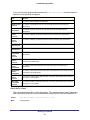
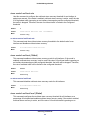
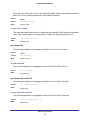
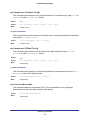
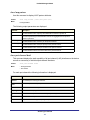
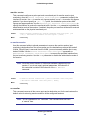
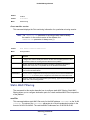
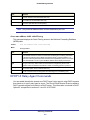
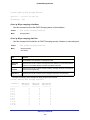
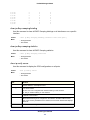
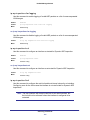
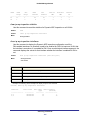
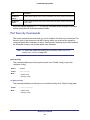
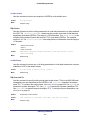
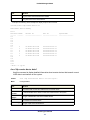
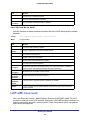
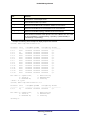
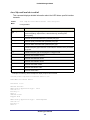
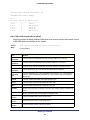
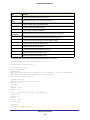
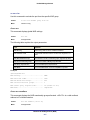
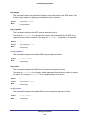
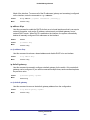
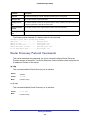
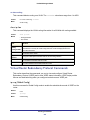
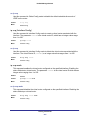
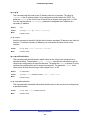
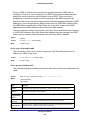
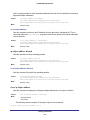
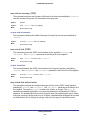
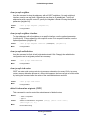
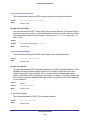
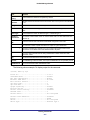
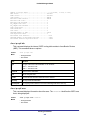
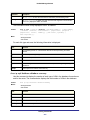
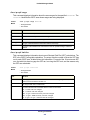
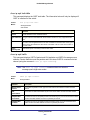
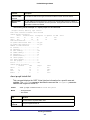
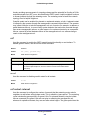
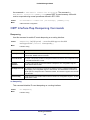
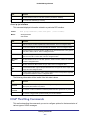
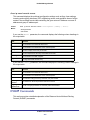
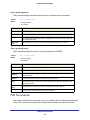
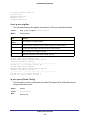
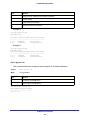
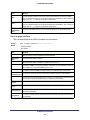
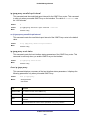
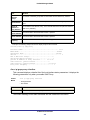
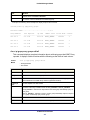
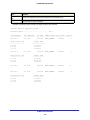
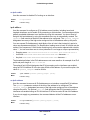
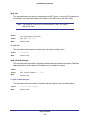
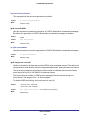
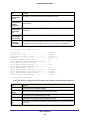
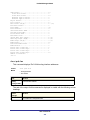
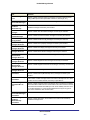
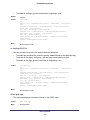
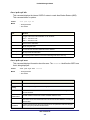
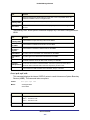
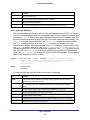
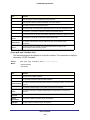
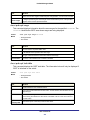
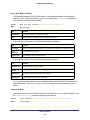
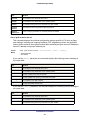
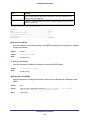
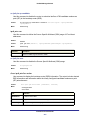
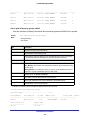
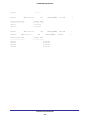
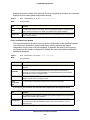
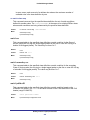
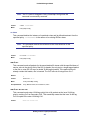
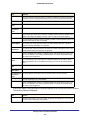
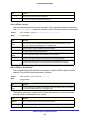
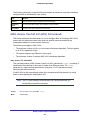
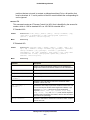
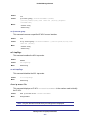
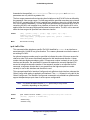
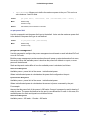
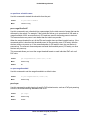
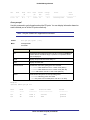
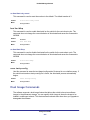
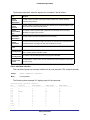
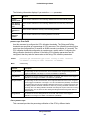
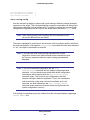
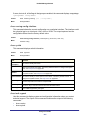
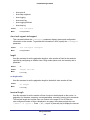
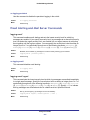
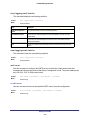
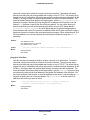
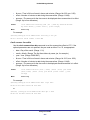
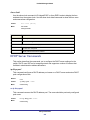
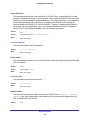
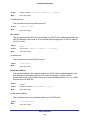
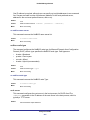
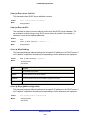
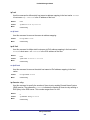
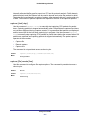
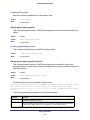
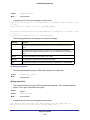
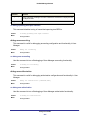
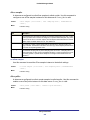
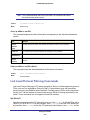
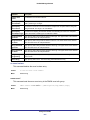
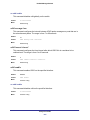
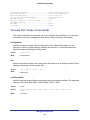
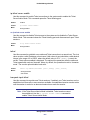
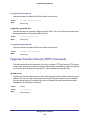
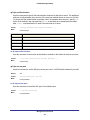
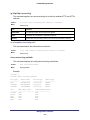
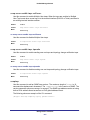
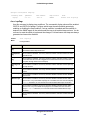
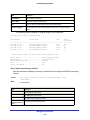
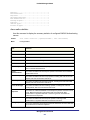
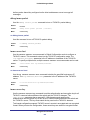
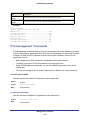
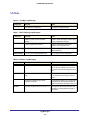
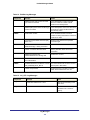
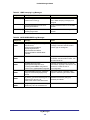
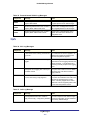
show users accounts
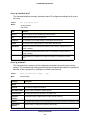
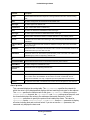
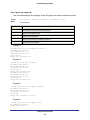
Use this command to display the local user status with respect to user account lockout and
password aging.
Format
show users accounts
Mode
Privileged EXEC
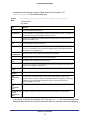
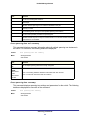
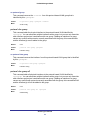
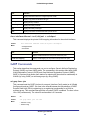
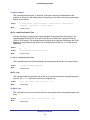
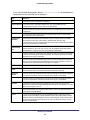
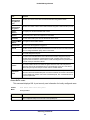
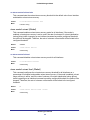
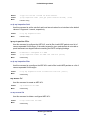
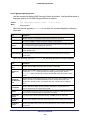
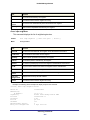
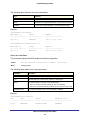
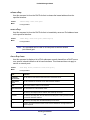
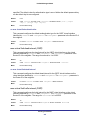
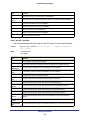
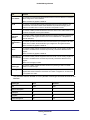
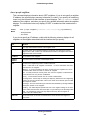
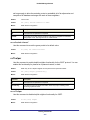
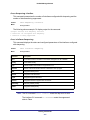
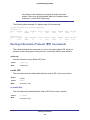
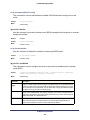
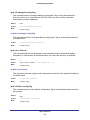
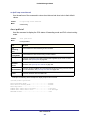
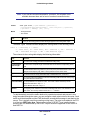
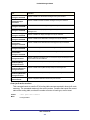
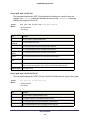
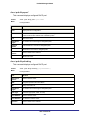
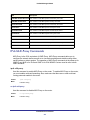
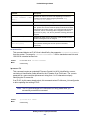
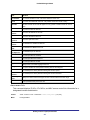
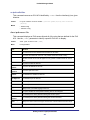
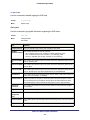
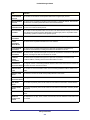
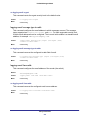
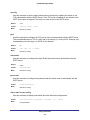
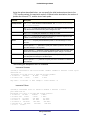
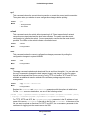
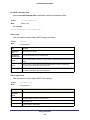
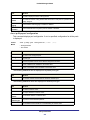
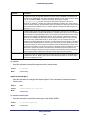
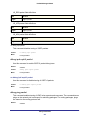
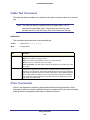
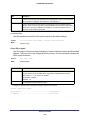
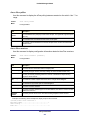
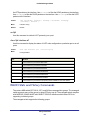
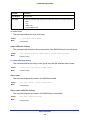
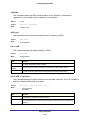
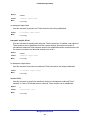
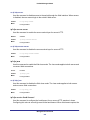
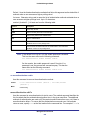
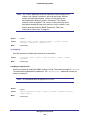
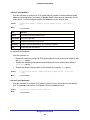
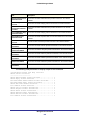
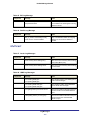
Term
Definition
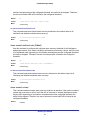
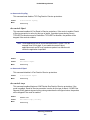
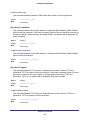
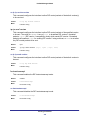
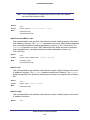
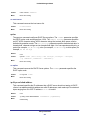
User Name
The local user account’s user name.
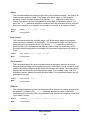
Privilege
The user’s privilege level (1-15).
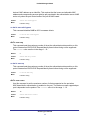
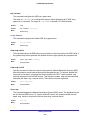
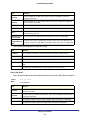
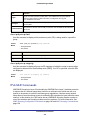
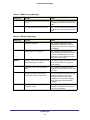
Password aging The password aging time for the local users.
Management Commands
639