1
Examples:
Example 1:
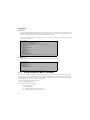
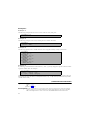
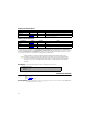
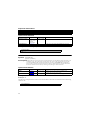
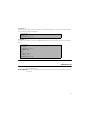
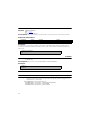
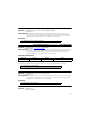
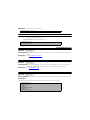
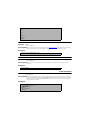
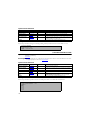
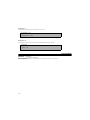
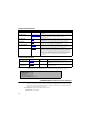
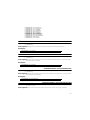
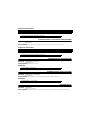
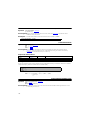
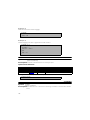
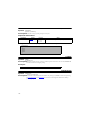
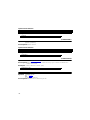
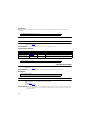
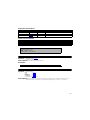
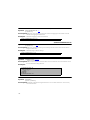
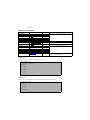
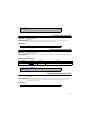
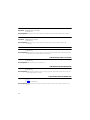
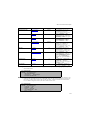
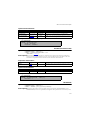
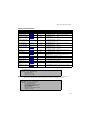
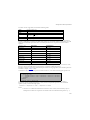
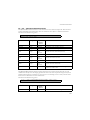
The following commands define a macro function that uses two parameters and a command to run
the macro function. The first parameter to the macro function is the amount to rotate about the X-axis
and the second parameter is the amount to rotate about the Y-axis:
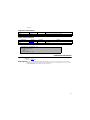
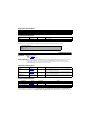
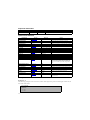
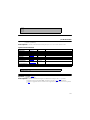
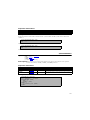
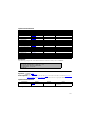
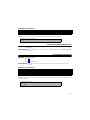
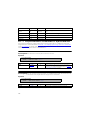
The command to run the macro function will cause a rotation of 10 degrees about the X-axis and 20
degrees about the Y-axis.
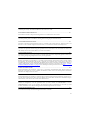
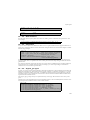
#!MC 1120
$!MACROFUNCTION NAME = "3D Rotation Animation"
$!EXPORTSETUP EXPORTFORMAT = AVI
$!EXPORTSETUP IMAGEWIDTH = 546
$!EXPORTSETUP EXPORTFNAME = "|1|AxisRotation.avi"
$!EXPORTSTART
$!LOOP |2|
$!ROTATE3DVIEW PSI
ANGLE = |3|
$!REDRAW
$!EXPORTNEXTFRAME
$!ENDLOOP
$!EXPORTFINISH
$!ENDMACROFUNCTION
$!RUNMACROFUNCTION "3D Rotation Animation" ("Theta", 6, 30)
Example 2:
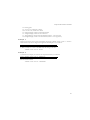
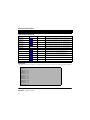
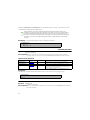
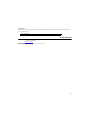
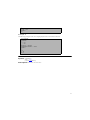
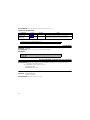
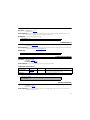
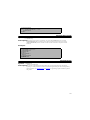
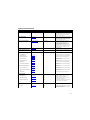
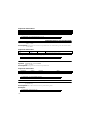
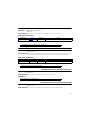
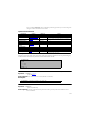
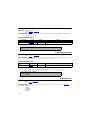
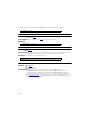
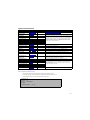
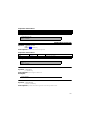
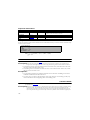
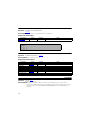
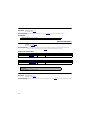
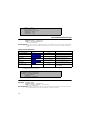
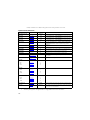
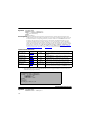
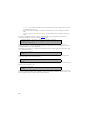
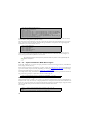
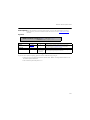
The following commands define a macro function that opens two layout files:
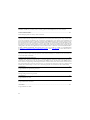
$!MACROFUNCTION
NAME = "OL2"
$!OPENLAYOUT "|1|"
$!OPENLAYOUT "|2|"
APPEND = TRUE
$!ENDMACROFUNCTION
.
.
.
$!RUNMACROFUNCTION "OL2" ("g1.lay","g2.lay")
7-7
Using Formats in Macro Variables
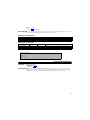
When a macro variable is expanded and the macro variable is a numeric value, it is expanded using a “best
float” format. It tries to make the number look as simple as possible while still retaining as much accuracy
as possible. If you want the number to be formatted in a specific way then you can include C-style number
formatting strings in the macro variable specification.
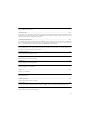
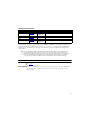
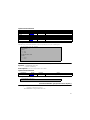
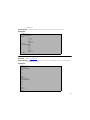
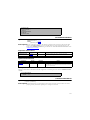
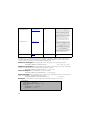
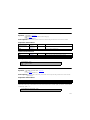
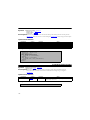
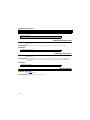
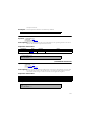
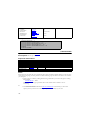
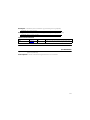
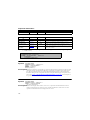
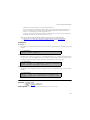
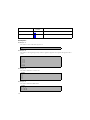
The syntax for including a format string is:
|macrovariable%formatstring|
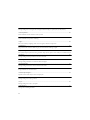
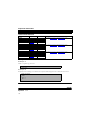
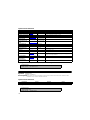
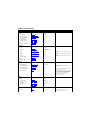
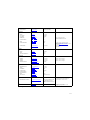
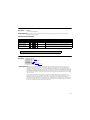
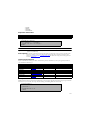
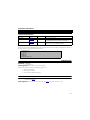
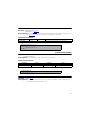
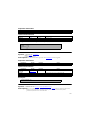
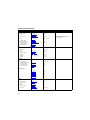
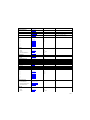
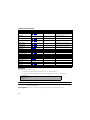
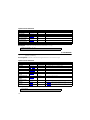
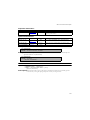
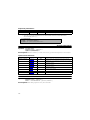
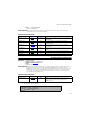
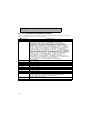
The following formats are available:
• s - string of characters
• d - signed integer
• e - scientific notation with a lowercase “e”
• E - scientific notation with an uppercase “E”
24