1
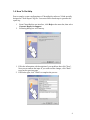
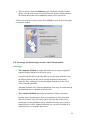
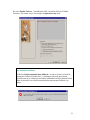
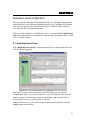
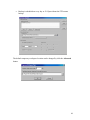
► The second feature in Network Utilities is Trace Route. This tool is created to
help users trace the routing path of service providers between the host and the
traced servers. Up to 20 router activities will be listed.
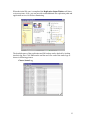
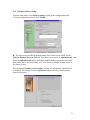
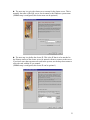
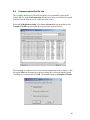
It is fairly simple to use this tool. Select Trace Route tap from the Network
Utilities GUI, type in the Host's IP address and then click on button Trace. The
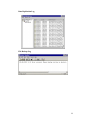
packet routing path of all internet service providers (up to 20) will be listed in the
Trace status screen.
8.2 Network Application Scanner
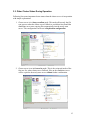
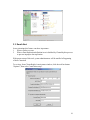
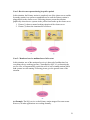
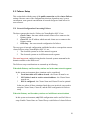
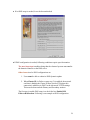
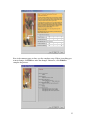
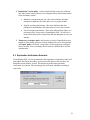
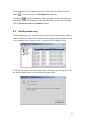
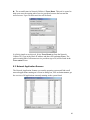
The Network Application Scanner can scan the operating system and find out all
network applications running on it. From its dialog box, click on button scan to get
the services of all applications currently running on the system listed.
46