1
40
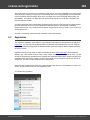
Program's interface
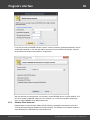
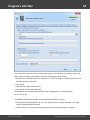
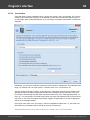
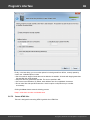
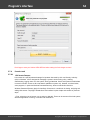
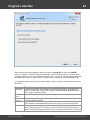
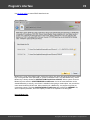
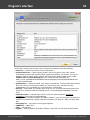
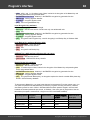
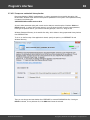
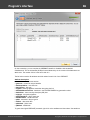
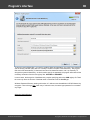
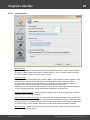
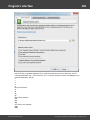
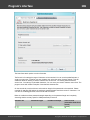
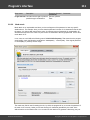
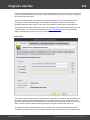
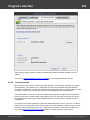
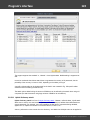
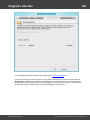
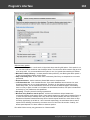
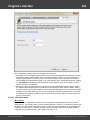
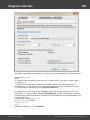
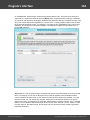
While the format of a PCD can be clearly recognized, with text files it's not that easy. As a rule, text
files/wordlists in UTF16 or UTF8 begin with a two- or three-byte marker that describes the type of the file.
However, there are Unicode wordlists that do not have any identifying markers. For such "hard" cases,
you need to set the type of the source file manually. Otherwise, the program, being unable to see an
appropriate identifier, improperly recognizes the file as ASCII.
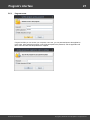
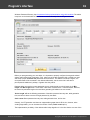
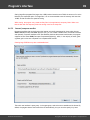
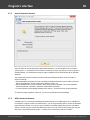
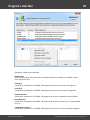
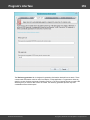
Target wordlist, similarly, is defined by one of the four above mentioned formats. With the compression
option set, the program additionally compresses the file to a ZIP archive.
Target wordlist name may be the same as the source; however, that is not recommended.
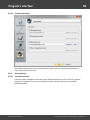
2.6.7.6
Compare wordlists
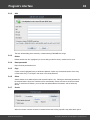
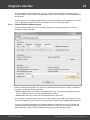
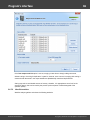
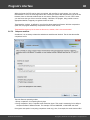
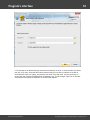
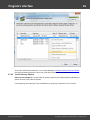
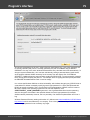
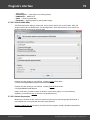
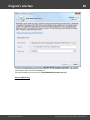
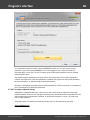
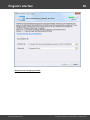
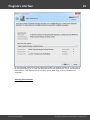
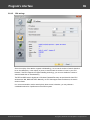
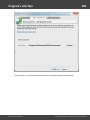
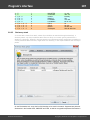
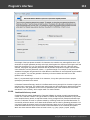
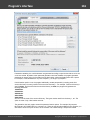
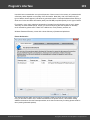
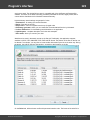
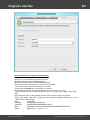
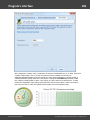
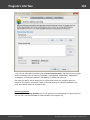
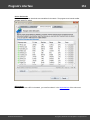
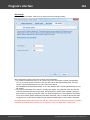
Sometimes, it is necessary to determine whether two wordlists are identical. That is what the wordlist
comparison tool for.
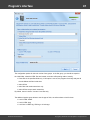
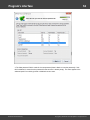
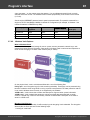
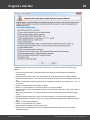
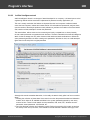
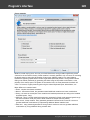
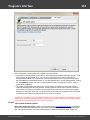
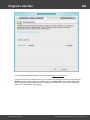
This tool offers two operating modes:
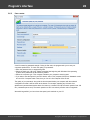
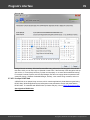
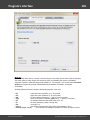
1. Binary comparison, for comparing files by-byte
2. String comparison, which compares words rather than bytes. This mode is noteworthy for its ability to
compare wordlists of different formats. For example, PCD and UNICODE, or UNICODE and ASCII.
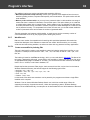
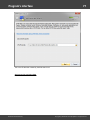
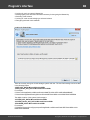
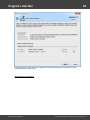
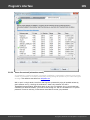
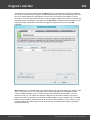
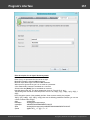
If the ignore case option is set (string comparison mode only), then, for example, the words bad and Bad
Windows Password Recovery
Copyright (c) 2010-2015 Passcape Software. All rights reserved.