1
Universal Mechanism 5.0
3-32
Chapter 3. Data input program
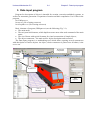
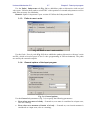
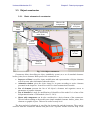
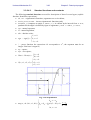
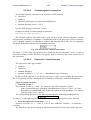
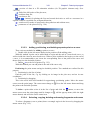
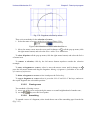
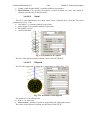
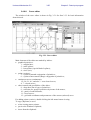
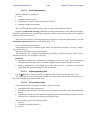
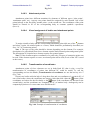
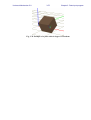
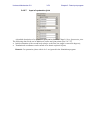
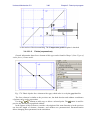
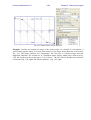
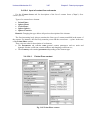
Fig. 3.25. Fragment selection by mouse
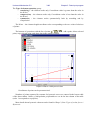
There exist to methods for the selection of a curve.
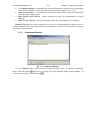
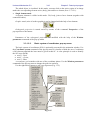
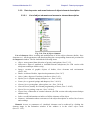
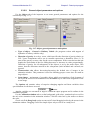
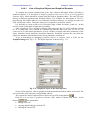
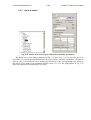
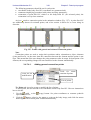
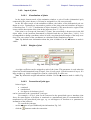
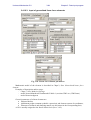
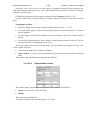
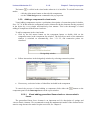
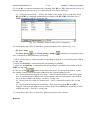
1. Select the name of a curve in the list of curves (Figure 3.26).
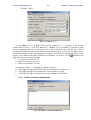
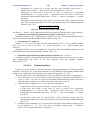
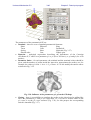
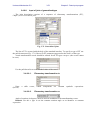
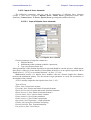
Figure 3.26. Selection of a curve in the lst of curves
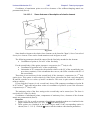
2. Move the mouse cursor near the curve until it changes to , call the pop up menu (click
the right mouse button) and select the Select whole curve menu item.
To select all points call the pop up menu (click the right mouse button) and select the Select
all menu item.
To remove a selection, click by the left mouse button anywhere outside the selection
rectangle.
To move a fragment or a curve, select it, move the mouse cursor until it changes to ,
press the left mouse button and drag the fragment. Moving a fragment is forbidden in the mode
of creation of a function.
To delete a fragment or a curve select it and press the Delete key.
To copy a fragment or a curve select it, press the Ctrl+C and Ctrl+V hot keys, and move
the copied fragment into a desirable position.
3.3.3.5.
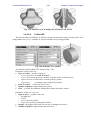
Closing curve
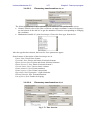
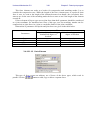
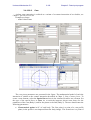
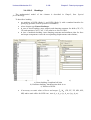
Two methods of closing a curve:
1) move one of the curve end point by the mouse to a small neighborhood of another one;
2) use the
key over the list of points.
3.3.3.6.
Smoothing
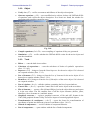
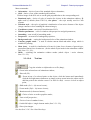
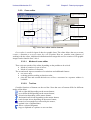
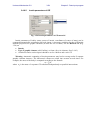
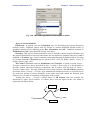
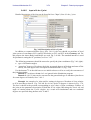
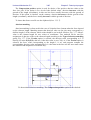
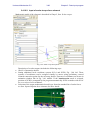
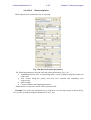
To smooth a curve of a fragment, select it and choose one of the smoothing type from the list
(Fig. 3.23)