1
Universal Mechanism 5.0
3-62
Chapter 3. Data input program
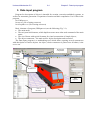
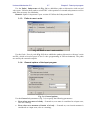
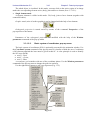
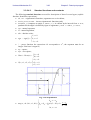
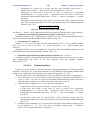
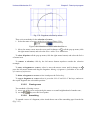
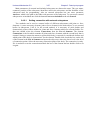
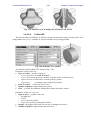
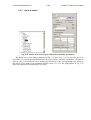
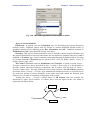
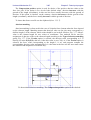
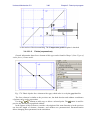
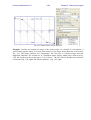
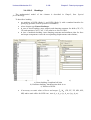
Second click
Result
First click
Selection of
image vertex
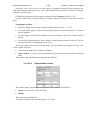
Adding a point as a middle point of a section
3.
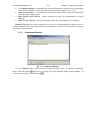
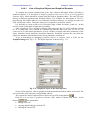
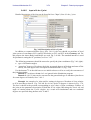
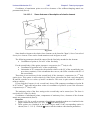
The ( ) button allows the user to get a point as a middle point of a section selected by the
mouse.
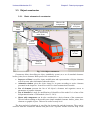
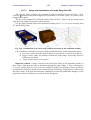
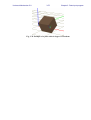
Use vertices on the body image for exact positioning of points. Near the vertex the mouse
cursor is changed to . After visual adding, the point can be corrected or removed by the
button.
3.4.7.4.2.
Adding oriented connection points
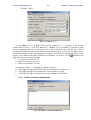
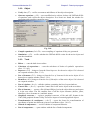
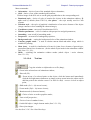
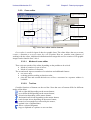
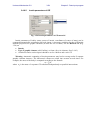
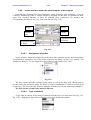
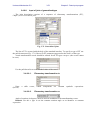
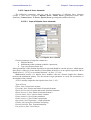
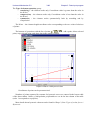
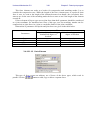
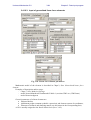
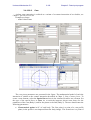
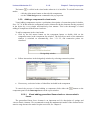
Use the Oriented points tab to add an oriented connection points (a local system of
coordinates, LSC). Its description includes coordinates of the points and the orientation of axes
of the LSC in the body-fixed SC. The orientation is set as a sequence of tree successive
elementary rotations.
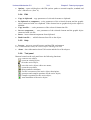
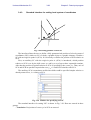
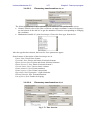
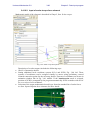
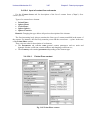
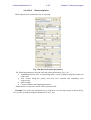
Here five methods for adding oriented points (LSC) are described.
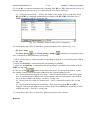
1.
(add) or the
(copy) button. Set point coordinates as constant symbolic
Use the
expressions, Sect. 0. Set rotation axes and angles in degrees to define the orientation.