1
Manifolded Coldplate Example (Continued)
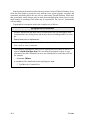
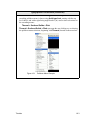
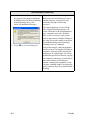
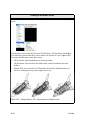
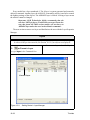
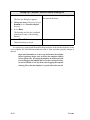
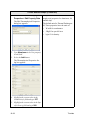
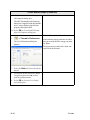
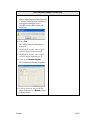
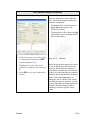
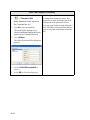
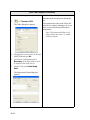
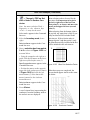
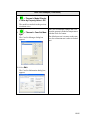
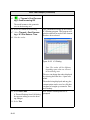
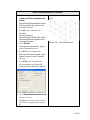
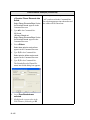
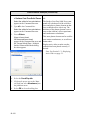
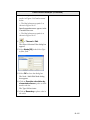
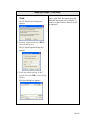
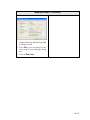
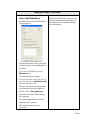
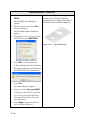
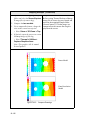
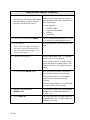
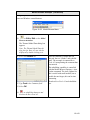
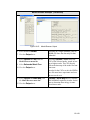
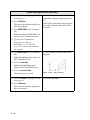
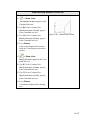
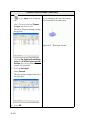
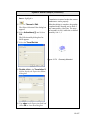
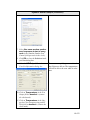
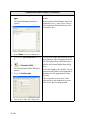
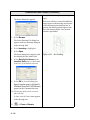
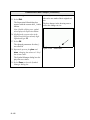
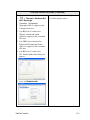
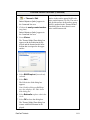
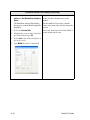
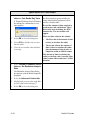
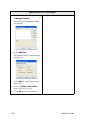
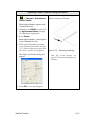
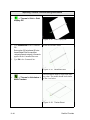
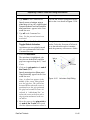
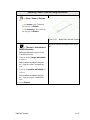
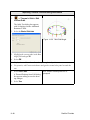
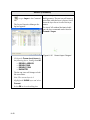
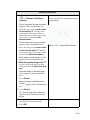
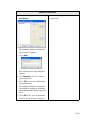
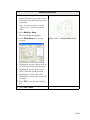
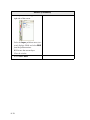
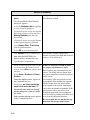
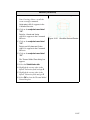
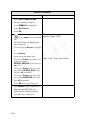
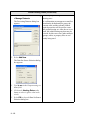
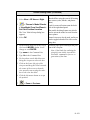
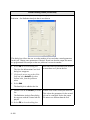
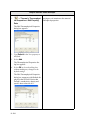
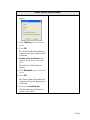
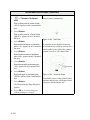
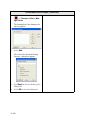
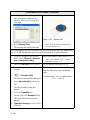
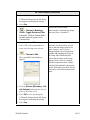
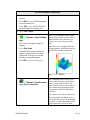
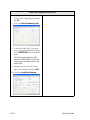
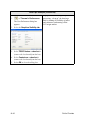
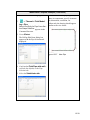
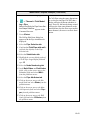
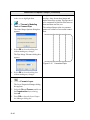
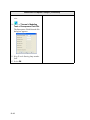
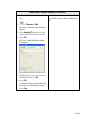
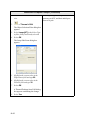
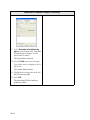
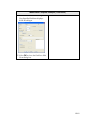
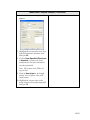
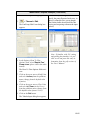
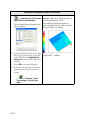
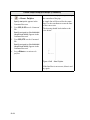
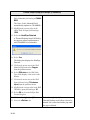
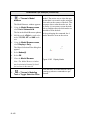
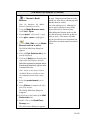
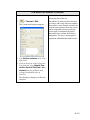
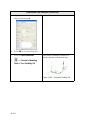
The Fluid Edit dialog box appears.
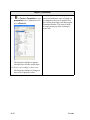
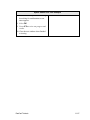
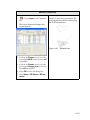
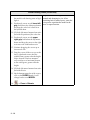
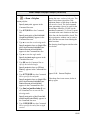
4. Click on the User Defined Fluid
radio button to select it (display a dot
in the circle).
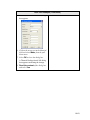
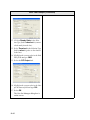
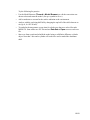
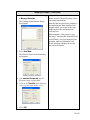
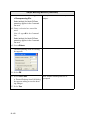
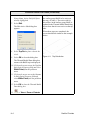
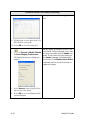
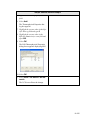
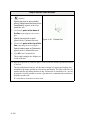
5. Highlight the current value of 718 in
the User Defined Fluid input field and
type 9050.
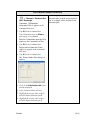
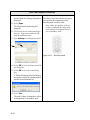
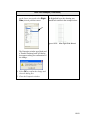
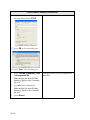
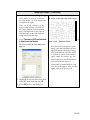
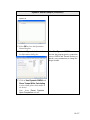
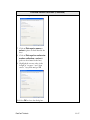
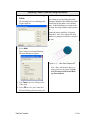
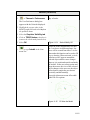
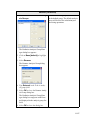
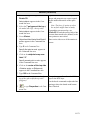
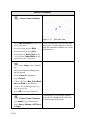
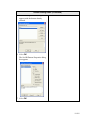
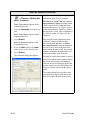
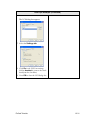
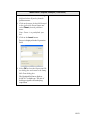
6. Select Browse.
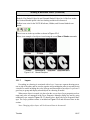
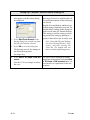
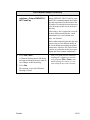
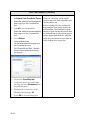
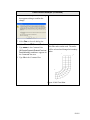
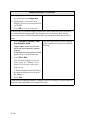
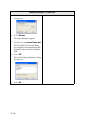
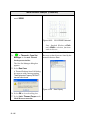
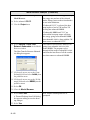
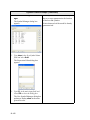
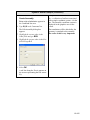
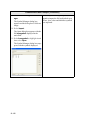
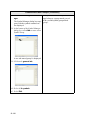
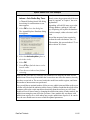
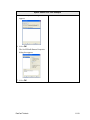
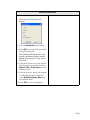
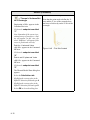
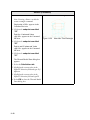
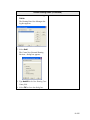
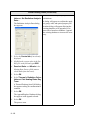
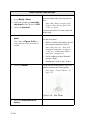
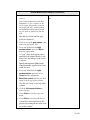
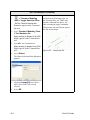
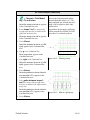
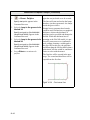
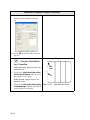
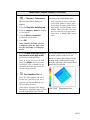
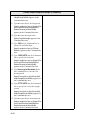
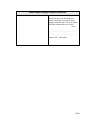
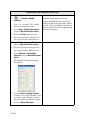
The Open dialog box appears.
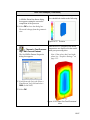
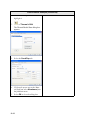
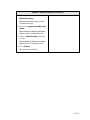
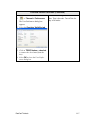
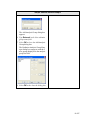
7. Select waterglycol.inc and press the
Open button.
Note: Waterglycol.inc should now
appear in the File Name field.
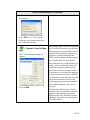
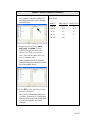
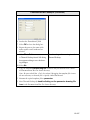
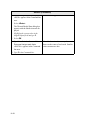
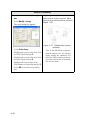
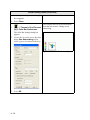
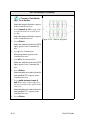
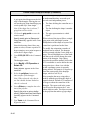
8. Select Open.
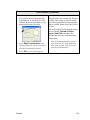
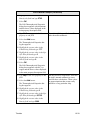
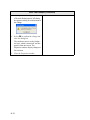
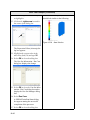
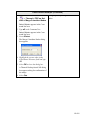
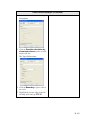
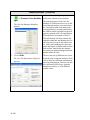
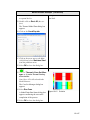
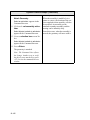
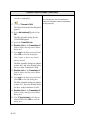
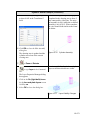
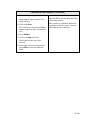
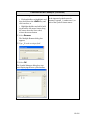
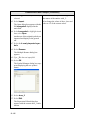
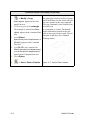
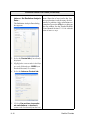
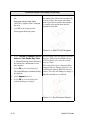
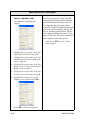
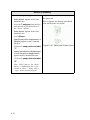
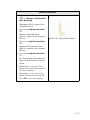
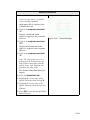
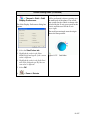
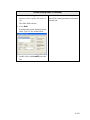
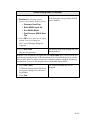
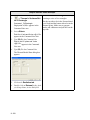
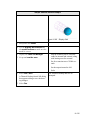
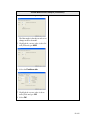
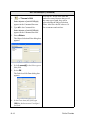
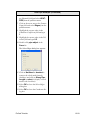
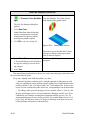
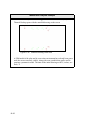
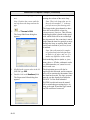
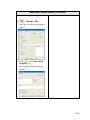
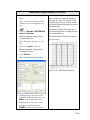
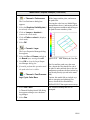
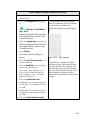
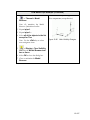
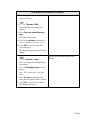
A Thermal Desktop/AutoCAD dialog
box appears confirming the new value.
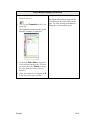
9. Select Yes to close the Thermal Desktop/AutoCAD dialog box.
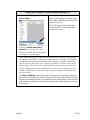
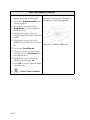
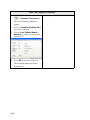
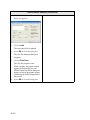
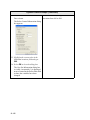
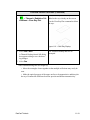
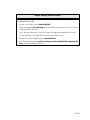
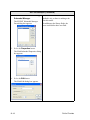
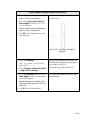
10. Select OK to close the Fluid Edit dialog box.
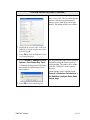
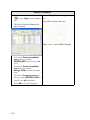
11. Select OK to close the Fluid Submodel
Properties dialog box.
12. Select OK to close the FLUINT Submodel Manager Form dialog box.
12-76