1
DecoderPro3®User’sGuide
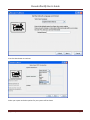
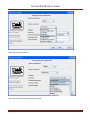
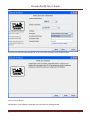
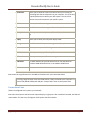
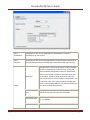
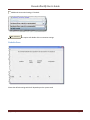
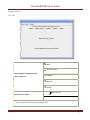
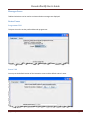
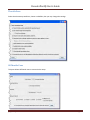
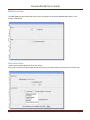
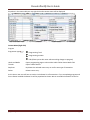
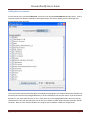
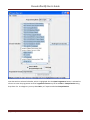
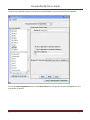
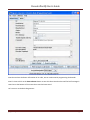
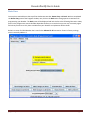
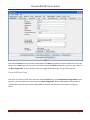
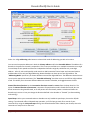
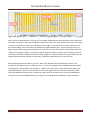
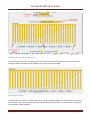
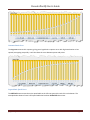
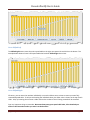
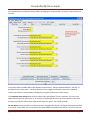
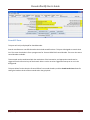
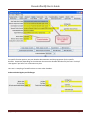
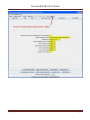
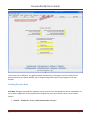
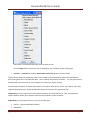
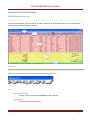
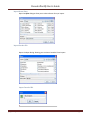
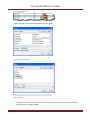
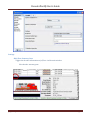
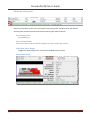
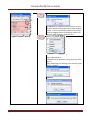
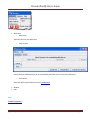
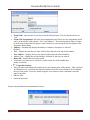
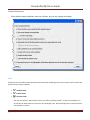
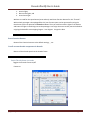
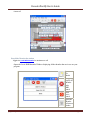
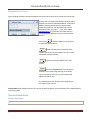
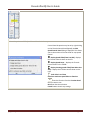
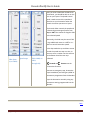
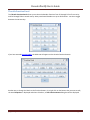
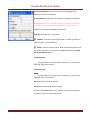
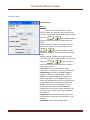
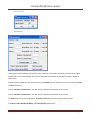
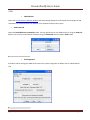
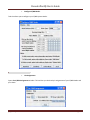
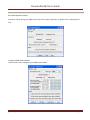
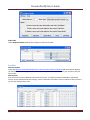
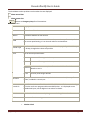
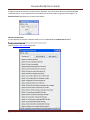
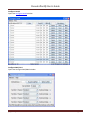
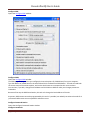
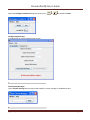
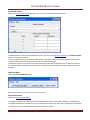
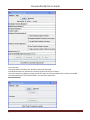
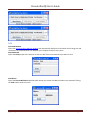
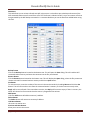
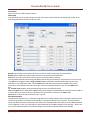
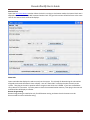
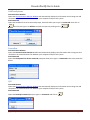
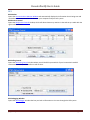
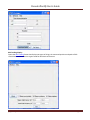
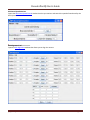
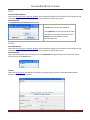
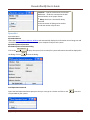
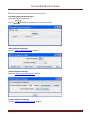
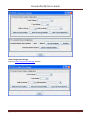
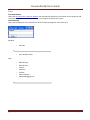
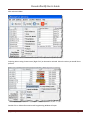
Configure SE8C Opens the Configure SE3C window. Configure DS64 Opens the Configure DS64 window. The DS64 programming tool lets you configure the internal options of a DS64 directly from your computer. Type the address of a DS64 board in the text field and click the Read from DS64 button.. The tool will read back the current state of the various options, and set the check boxes to correspond to their current values. You can then, if you wish, change the checkboxes and click Write to DS64 to make your changes permanent. Limitations Because of the way the DS64 board works, this tool can't change the basic address of the unit. At present, DS64 routes cannot be programmed by this tool. It's possible, but nobody has written the code for it yet because JMRI routes are more powerful and easier to use. Configure Command Station Opens the Configure Command Station window Configure LocoNet ID [Typetext]
Page127