1
5.
6.
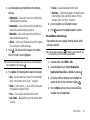
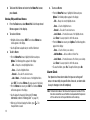
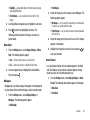
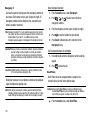
Select Create New to add the number as a Contacts entry,
5.
press the Yes soft key.
associate the new number.
To keep all calls in the selected calls log, press the No soft
Follow the prompts to store the number to Contacts.
key.
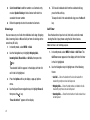
Erase Logs
Call Timer
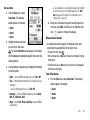
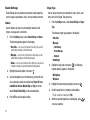
You can erase any or all calls from individual calls logs (Outgoing
Calls, Incoming Calls, or Missed Calls) or from all calls logs at the
same time (All Calls).
1.
In standby mode, select MENU ➔ Calls.
2.
Use the Navigation key to highlight Outgoing Calls,
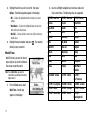
View the duration of your last call, total calls, and calls made
during the life of your phone using the Call timer feature.
Note: Call timer is not for billing purposes.
1.
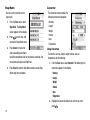
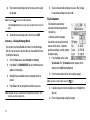
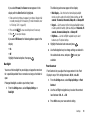
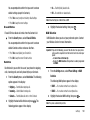
In standby mode, select MENU ➔ Calls ➔ Call Timer. The
Call Timer screen appears in the display with the first timer
Incoming Calls, Missed Calls, or All Calls, then press the
in the list highlighted.
key.
The selected Calls list appears in the display with the first
2.
Use the Navigation key to highlight one of the following
call in the list highlighted.
timers:
3.
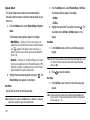
Press the Options soft key to display a pop-up Options
4.
Use the Up and Down navigation keys to highlight Erase all,
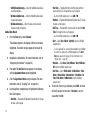
• Last Call — Shows the duration of the last call made with or
received by your phone since last being reset.
• Outgoing Calls — Shows the total number and duration of calls
made with your phone since last being reset.
• Incoming Calls — Shows the total number of calls received since
last being reset.
menu.
then press the
key.
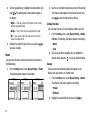
“Erase all entries?” appears in the display.
25
To Erase all unlocked calls from the selected calls log,
or select Update Existing to find a Contact with which to