1
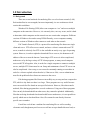
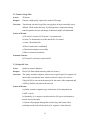
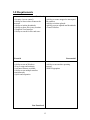
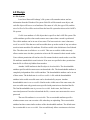
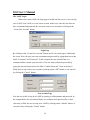
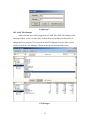
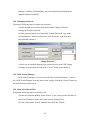
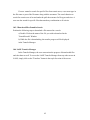
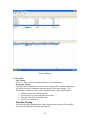
The GUI will have three primary pages. Pictures and more detail descriptions of
functions on these pages can be found in the User Manual. Mockups of these pages can
be seen in Appendix A.1. The first page new users will be directed to is the file manager.
The file manager will allow users to add and remove shared files, specify restrictions on
those files such as searchable and downloadable, and setup user permissions and
passwords for files. This page will be the default page for all users.
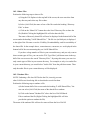
The second page is the search manager. In the search manager the user will be
able to specify their search criteria ranging from file types to usernames. This page will
display all search results to the user. It will also allow easy download access from
multiple users.
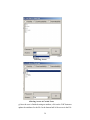
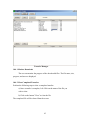
The final page is the transfer manager, which will allow control over downloads
and uploads. It will display the current status of all files both transferring and in any
queue that may be running. In the future, options such as download timers and maximum
file transfers will also be able to be specified from this page.
20