1
7
Getting Started and Basic Operation
7.1
Which Model Do I Have
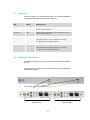
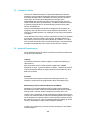
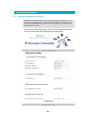
IP decoder units are marked with the new style domo product labels as
shown below. The product code is at the bottom left of the label, and the
serial number is in the middle.
domo
Made in the UK
Serial number
NETIPHW2
CE
The domo product code can be referenced in the table below.
Product Code
Product
Accompanying items
NETIPHW2
2 channel IP
Cables:
Hardware
2 * audio 2m (CA0183)
decoder
2* Control 3m (CA0001)
2* BNC Video (CA0006)
DC Power 2m (CA0023)
Note: It is assumed the customer will supply CAT5 RJ45 Ethernet cables
and S-Video cables, if connecting to an S-Video monitor.
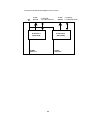
The NETIPHW2 decoder has two physical Decoder cards fitted. At first
release each decoder supports one channel of decoding. However, in the
future, as an upgrade, it will be possible for each Decoder card to decode
two channels of video.
7.2
Controls
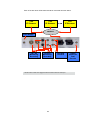
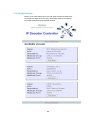
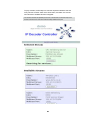
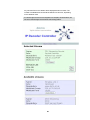
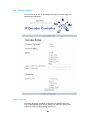
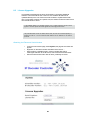
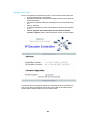
There are no physical controls on the IP Decoder, as the unit is controlled
from a standard web browser running on a PC or laptop.
If the IP address of neither Ethernet port is known, first follow the procedure described in the section ‘Initial
IP Set-up’.
8