1
Amazon Elastic Compute Cloud Developer Guide
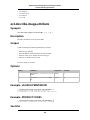
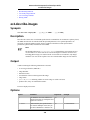
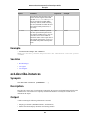
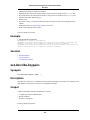
Using Shared AMIs
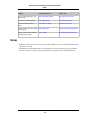
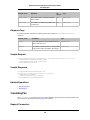
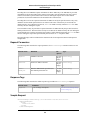
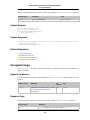
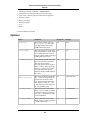
Metadatum
Value
hostname
domU12-31-33-00-01-73.usma1.compute.amazonaws.c
om
local-ipv4
216.182.228.89
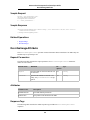
Instance 4
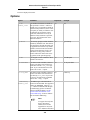
Metadatum
Value
instance-id
i-31a7425a
ami-launch-index
3
hostname
domU12-31-33-00-01-74.usma1.compute.amazonaws.c
om
local-ipv4
216.182.228.90
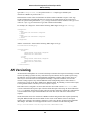
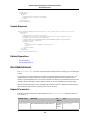
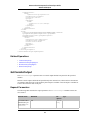
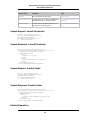
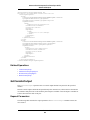
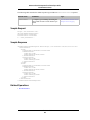
Therefore an instance can determine its portion of the user-supplied data by the simple process of
1. Determining which instance in the launch group it is:
GET http://169.254.169.254/2007-03-01/meta-data/ami-launch-index
1
2. Retrieving the user data:
GET http://169.254.169.254/2007-03-01/user-data
store-size=123PB backup-every=5min | replicate-every=1min | replicate-every=2min | replicate-every=10min | replicate-every=20min
3. Extracting the appropriate part of the user data:
user_data.split('|')[ami_launch_index]
Using Shared AMIs
Introduction
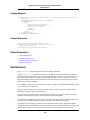
This section looks at how to find and safely use shared AMIs.
Finding Shared AMIs
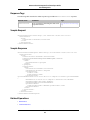
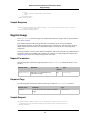
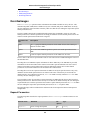
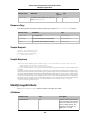
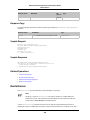
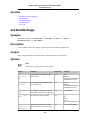
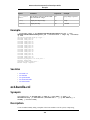
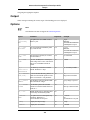
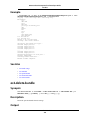
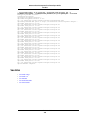
The following command displays a list of all public AMIs.
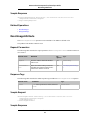
PROMPT> ec2dim -x all
The -x all flag shows AMIs executable by all users. This includes AMIs you own.
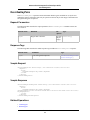
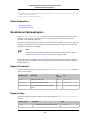
To show AMIs for which you have explicit launch permissions, run:
API Version 2007-03-01
25