1
Troubleshooting
7.2 Copy Problems
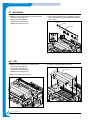
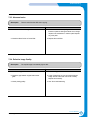
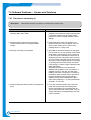
7.2.1 White Copy
• Description
Blank page is printed out when copying.
Check and Cause
Solution
1. Check the Scanner Cover is properly closed.
1. Room light can pass through a thin original.
2. Check shading profile.
2. Redo shading profile in the tech mode.
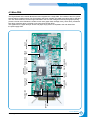
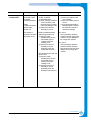
3. Check white/black reference voltage on Main PBA. e.q
• CIS_SI, CIS_CLK at CN7
• Or Check the FFC
3. Replace CN7 if it is defective.
• CN7-Pin6(CIS-SI)
• CN7-Pin7(CIS-CLK)
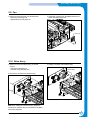
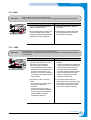
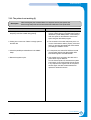
7.2.2 Black Copy
• Description
Black page is printed out when Copying.
Check and Cause
7-8
Solution
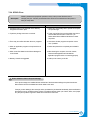
1. Check for CIS problem on the Main PBA.
1. Check the CIS harness is properly connected.
2. Check shading profile.
2. Redo shading profile in the tech mode.
Service Manual
Samsung Electronics