1
Record Your Own Performance
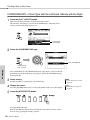
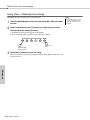
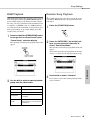
Track Clear—Deleting a Specified Track from a User Song
This function lets you delete a specified track from a user song.
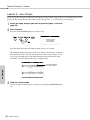
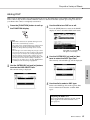
1
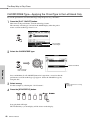
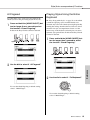
From the MAIN display select the user song (031–035) you want
to clear.
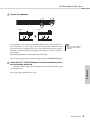
2
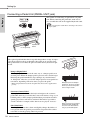
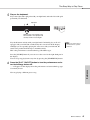
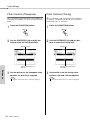
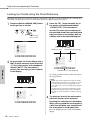
Press and hold the track button ([1]–[5], [A]) corresponding to
the track you want to clear for longer than a second.
A confirmation message will appear on the display.
You can cancel the clear operation by pressing the [-] button.
Hold for longer
than a second
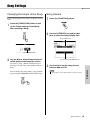
Press the [+] button to clear the track.
The clear-in-progress message will appear briefly on the display while the track
is being cleared.
Reference
3
Owner’s Manual
61






































![新商品の主な仕様[PDF]](http://vs1.manualzilla.com/store/data/006630365_2-1698253152266286046c886823580961-150x150.png)