1
Section 17: Upgrading the Operational
Firmware
Upgrading the Epilog Dashboard
Occasionally Epilog provides enhancements or upgrades to the Dashboard.
Upgrading to the new driver is almost identical to installing a driver for the first
time. When upgrading to a new Dashboard, it is best if you first delete the old
one, reboot your computer and then install the new one (see the Installing the
Epilog Dashboard section of this manual ).
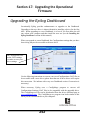
When you upgrade to a new Dashboard, the Configurations settings that you have
been saving may not be accessible to the new driver.
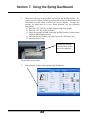
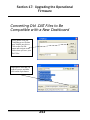
The Configuration files
are the .DAT settings
you make to save your
driver settings.
Use the following instructions to convert your saved Configurations .DAT files to
be accessible with a new driver (please note that not all new drivers will require
this conversion. We indicate with every new Dashboard version if conversion is
necessary).
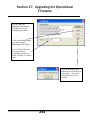
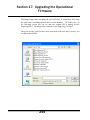
When necessary, Epilog uses a ConfigMerge program to convert old
Configurations Settings (.DAT files) to be compatible with the upgraded driver.
The ConfigMerge.exe file can be downloaded from the driver download page at
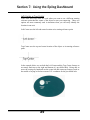
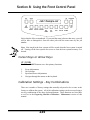
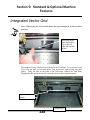
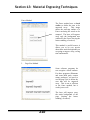
www.epiloglaser.com. The ConfigMerge.exe program icon looks similar to this
when you have downloaded it to your computer:
252