1
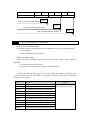
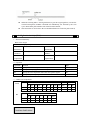
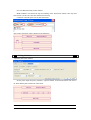
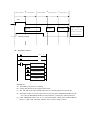
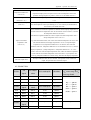
XC series PLC support “Stop when power on PLC” function. With this function,
when there is a serious problem during PLC running, use this method to stop all
output immediately. Besides, with this method, connect PLC when parameters are set
wrongly.
Communication Function
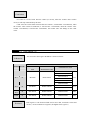
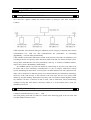
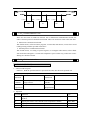
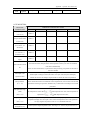
XC series PLC support many communication formats, like basic Modbus
communication, CABBUS communication, free format communication. Besides, via
special network module, connect to Ether net, GPRS net.
1-2.Program Language
1-2-1.Type
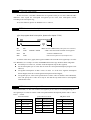
XC series PLC support two types of program language:
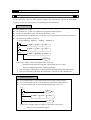
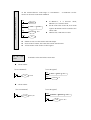
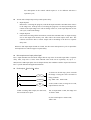
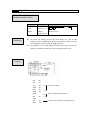
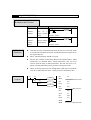
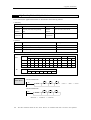
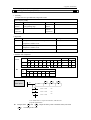
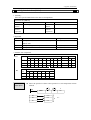
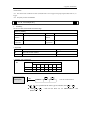
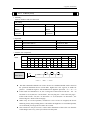
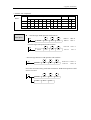
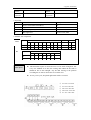
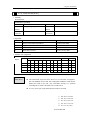
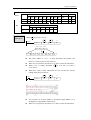
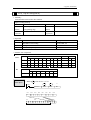
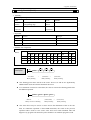
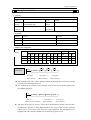
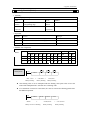
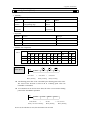
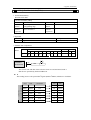
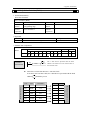
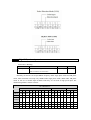
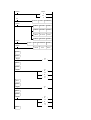
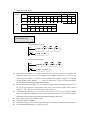
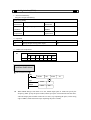
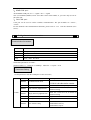
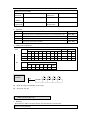
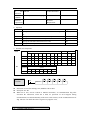
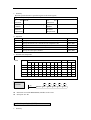
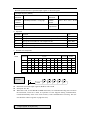
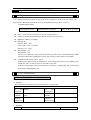
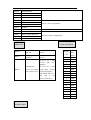
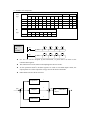
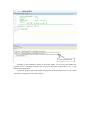
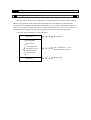
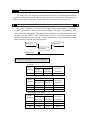
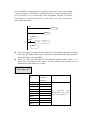
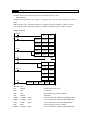
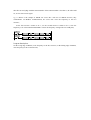
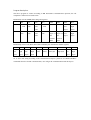
Instruction List
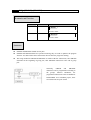
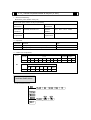
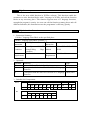
Instruction list inputs in the form of “LD”, “AND”, “OUT” etc. This is the basic input
form of the programs, but it’s hard to read and understand;
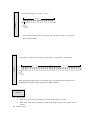
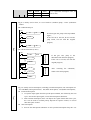
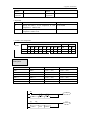
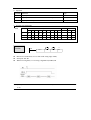
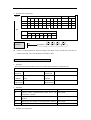
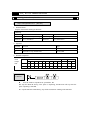
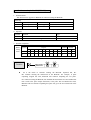
E.g.:
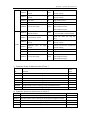
Step
0
1
2
3
Instruction
LD
OR
ANI
OUT
Soft Components
X000
Y005
X002
Y005
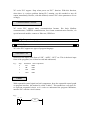
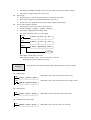
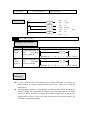
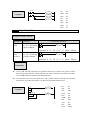
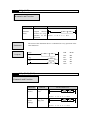
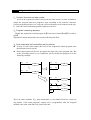
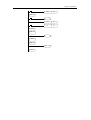
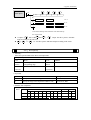
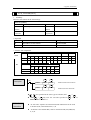
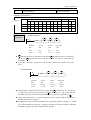
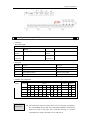
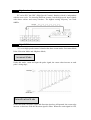
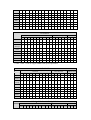
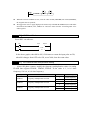
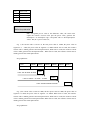
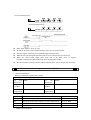
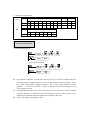
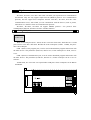
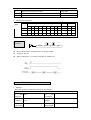
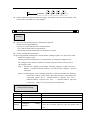
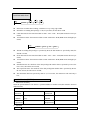
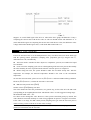
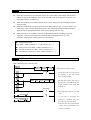
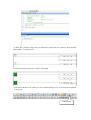
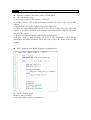
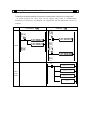
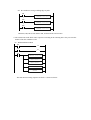
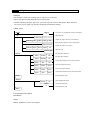
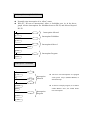
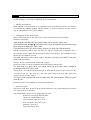
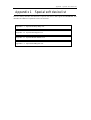
Ladder
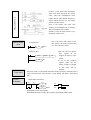
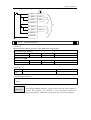
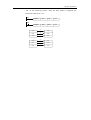
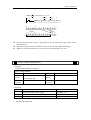
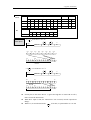
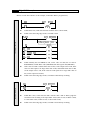
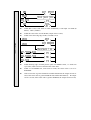
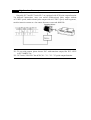
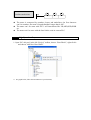
With sequential control signal and soft components, draw the sequential control graph
on program interface, this method is called “Ladder”. This method use coil signs etc.
to represent sequential circuit, so it’s easier to understand the program. Meantime,
monitor PLC with the circuit’s status.
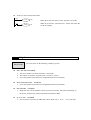
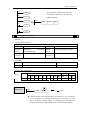
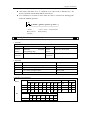
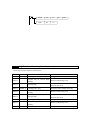
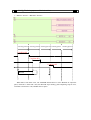
E.g.:
X0
X2
Y5
Y5