1
6 Enumerations (enums)
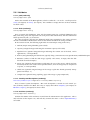
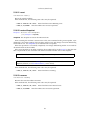
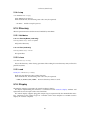
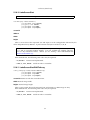
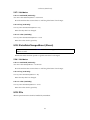
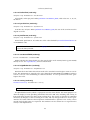
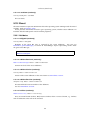
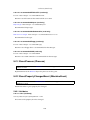
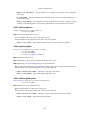
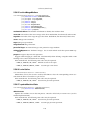
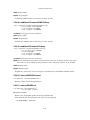
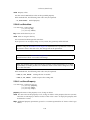
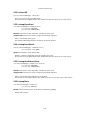
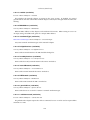
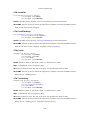
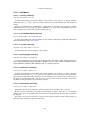
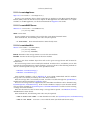
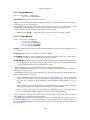
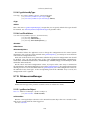
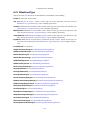
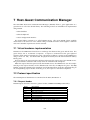
6.71 SymlinkType
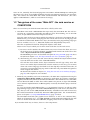
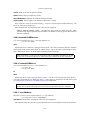
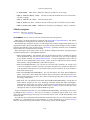
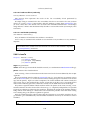
Symbolic link types.
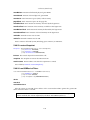
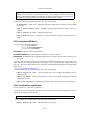
Unknown It is not known what is being targeted.
Directory The link targets a directory.
File The link targets a file (or whatever else).
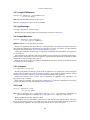
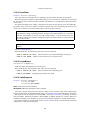
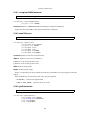
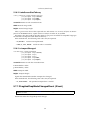
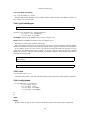
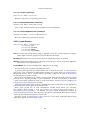
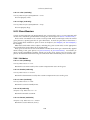
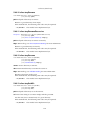
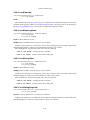
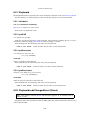
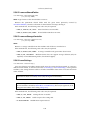
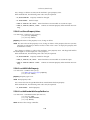
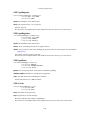
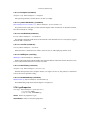
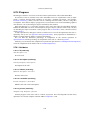
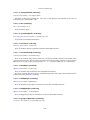
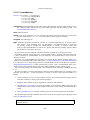
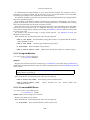
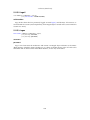
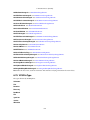
6.72 USBDeviceFilterAction
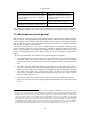
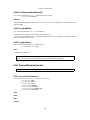
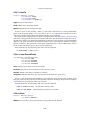
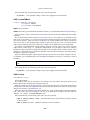
Actions for host USB device filters. See also: IHostUSBDeviceFilter, USBDeviceState
Null Null value (never used by the API).
Ignore Ignore the matched USB device.
Hold Hold the matched USB device.
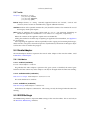
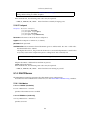
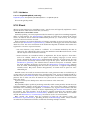
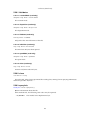
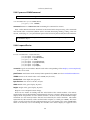
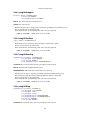
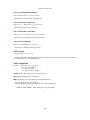
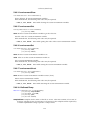
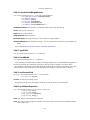
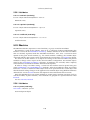
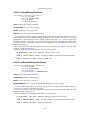
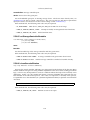
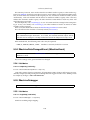
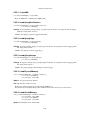
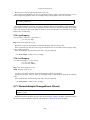
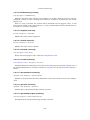
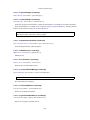
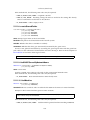
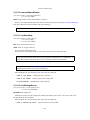
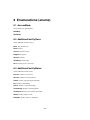
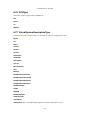
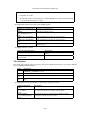
6.73 USBDeviceState
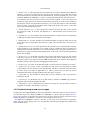
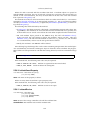
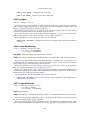
USB device state. This enumeration represents all possible states of the USB device physically
attached to the host computer regarding its state on the host computer and availability to guest
computers (all currently running virtual machines).
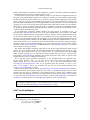
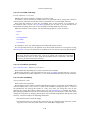
Once a supported USB device is attached to the host, global USB filters (IHost::USBDeviceFilters[])
are activated. They can either ignore the device, or put it to USBDeviceState_Held state, or do
nothing. Unless the device is ignored by global filters, filters of all currently running guests
(IUSBController::deviceFilters[]) are activated that can put it to USBDeviceState_Captured
state.
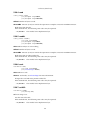
If the device was ignored by global filters, or didn’t match any filters at all (including guest
ones), it is handled by the host in a normal way. In this case, the device state is determined by
the host and can be one of USBDeviceState_Unavailable, USBDeviceState_Busy or USBDeviceState_Available, depending on the current device usage.
Besides auto-capturing based on filters, the device can be manually captured by guests
(IConsole::attachUSBDevice()) if its state is USBDeviceState_Busy, USBDeviceState_Available or
USBDeviceState_Held.
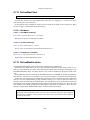
Note: Due to differences in USB stack implementations in Linux and Win32, states USBDeviceState_Busy and USBDeviceState_Unavailable are applicable only to the Linux
version of the product. This also means that (IConsole::attachUSBDevice()) can only
succeed on Win32 if the device state is USBDeviceState_Held.
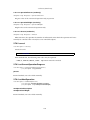
See also: IHostUSBDevice, IHostUSBDeviceFilter
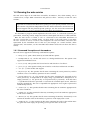
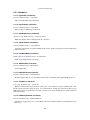
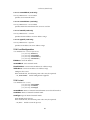
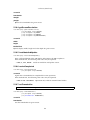
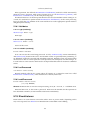
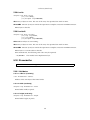
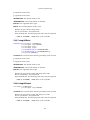
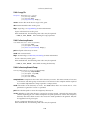
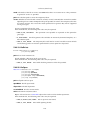
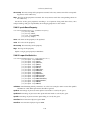
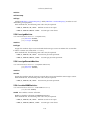
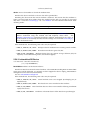
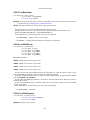
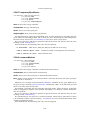
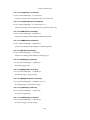
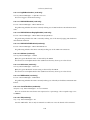
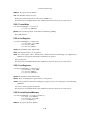
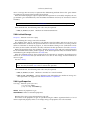
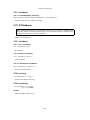
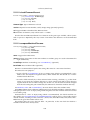
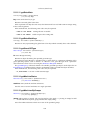
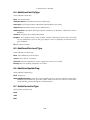
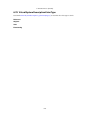
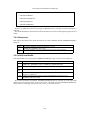
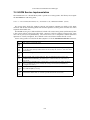
NotSupported Not supported by the VirtualBox server, not available to guests.
Unavailable Being used by the host computer exclusively, not available to guests.
Busy Being used by the host computer, potentially available to guests.
Available Not used by the host computer, available to guests (the host computer can also start
using the device at any time).
Held Held by the VirtualBox server (ignored by the host computer), available to guests.
Captured Captured by one of the guest computers, not available to anybody else.
310