1
Advanced Tutorial
1, 2, 3…
OMRON
1.
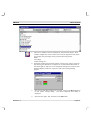
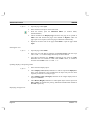
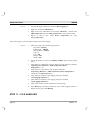
Open the Workspace Editor and select the Data Logging tab
2.
Right click and select Add DataSet…
3.
Right click on the added Data Set and select Add Item…. Add the item
Milk Temperature and enter milk_temperature in the expression field.
4.
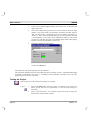
Repeat to add an item called Water Temperature for point
water_temperature.
Then create a page to view and export the data and control logging:
1, 2, 3…
1.
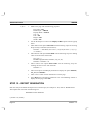
Make a new page with the following properties
Page Title = Datalog
Border Style = THICK
Display Mode = POPUP
Top = 0
Left = 505
Height = 582
Width = 295
2.
Use the Workspace to remove the Display On Run option from the popup
menu.
3.
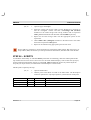
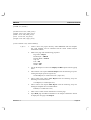
Add a button to automatically open the data log viewer using the command
“OpenLogView("Dataset1", "Milk Temperature,Water
Temperature", "")”
4.
Add a button to export data to CSV using the command
“ExportLog("Dataset1", "Milk Temperature,Water Temperature",
"CSV", 0, "c:\coffee\export.txt")”
5.
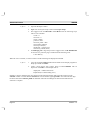
Add a button to manually restart logging using the command
“StartLogging("Dataset1")”
6.
Add a button to manually restart logging using the command
“StopLogging("Dataset1")”
7.
Add a ‘Close’ button with an animation to close the page.
8.
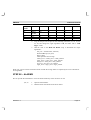
Open Main page and add an animation to the “Data Logging” button to
display the new page called Datalog.
STEP 11 – FILE HANDLING
Page 40
Revision 1.3