1
VQT0V86ENG.book
37 ページ 2006年1月30日 月曜日 午前9時46分
Advanced
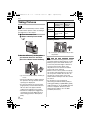
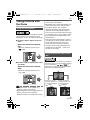
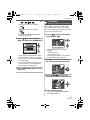
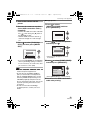
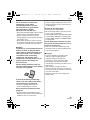
: Forced ON
The flash is activated every time regardless
of the recording conditions.
• Use this when your subject is back-lit
or under fluorescent light.
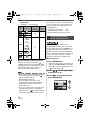
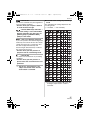
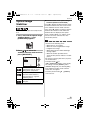
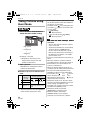
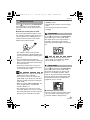
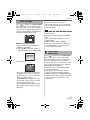
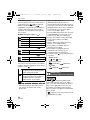
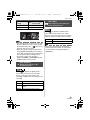
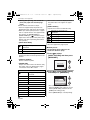
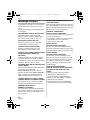
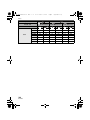
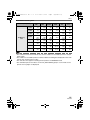
∫ Available flash settings by recording
mode
The available flash settings depend on the
recording mode.
(±: Available, —: Not available)
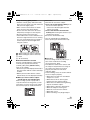
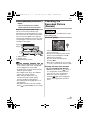
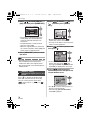
: Forced ON/Red-eye reduction¢1
• The flash setting is set to Forced ON/
Red-eye reduction only when you set
[PARTY] (P49) or [CANDLE LIGHT]
(P50) in scene mode.
2
2
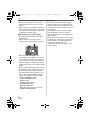
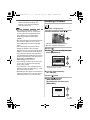
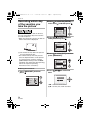
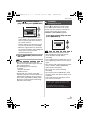
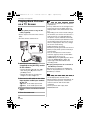
: Slow sync./Red-eye reduction¢1
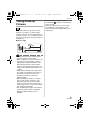
If you take a picture with a dark background
landscape, this feature will slow the shutter
speed when the flash is activated so that
the dark background landscape will
become bright. Simultaneously it reduces
the red-eye phenomenon.
• Use this when you take pictures of
people in front of a dark background.
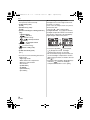
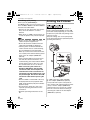
: Forced OFF
The flash is not activated in any recording
conditions.
• Use this when you take pictures in
places where the use of the flash is not
permitted.
¢1 The flash is activated twice. The
subject should not move until the
second flash is activated.
1
2
¢2 It becomes Forced ON [ ], when the
backlight compensation function is
activated.
37
VQT0V86