1
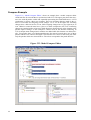
Variant Description Model Editor
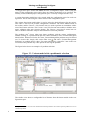
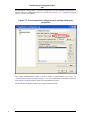
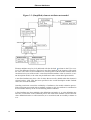
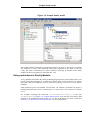
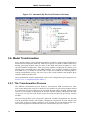
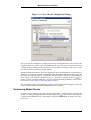
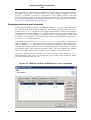
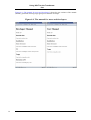
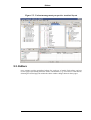
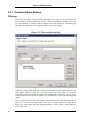
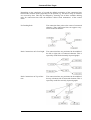
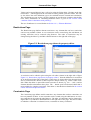
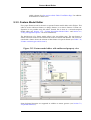
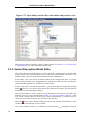
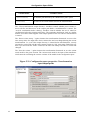
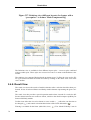
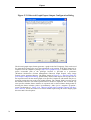
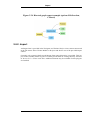
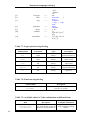
Figure 5.17. Open family model editor with outline and property view
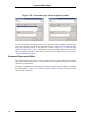
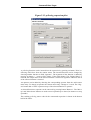
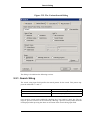
The Properties dialog is similar to that for Feature models. See Section 3.4.3, “Restrictions
in Family Models” for more information on that topic.
5.3.5. Variant Description Model Editor
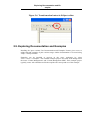
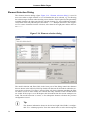
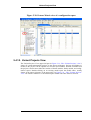
The variant description model editor is used to specify the configuration of an individual
product variant. This editor allows the user to make and validate feature selections, to set
attribute values, and to exclude model elements from the configuration.
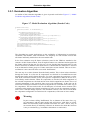
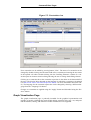
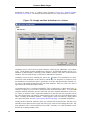
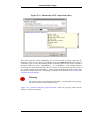
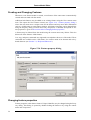
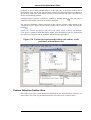
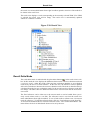
In this editor a tree view shows all feature models in the configuration space. A specific
feature can be included in the configuration by marking the check box next to the feature.
Additional editing options are available in a context menu.
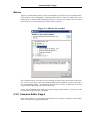
Features may also be selected automatically, e.g. by the Auto Resolver enabled by pressing
button . However, the context menu allows the exclusion of a feature; this prevents the
Auto Resolver from selecting the feature.
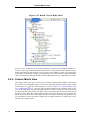
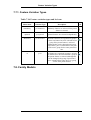
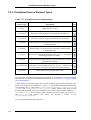
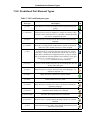
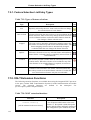
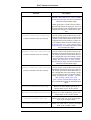
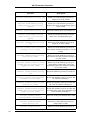
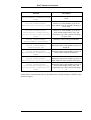
Each selected feature is shown with an icon indicating how the selection was made. The
different types of icons are documented in Table 7.19, “Types of feature selections”. If the
user selects a feature that has already been selected automatically its selection type becomes user selected and only the user can remove the selection.
When the icon is shown instead of the selection icon, the selection of the feature is inadvisable since it will probably cause a conflict.
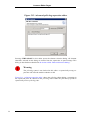
The current feature selection is evaluated by pressing button
58
. Recognized selection