1
EPLAN 5 Basic Training
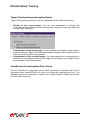
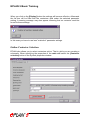
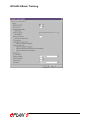
When you click on the [Display] button the settings will become effective. Afterwards
the list box will be filled with the contactors valid under the selected parameter
setting. A warning message may also appear informing that no contactor could be
found for these settings.
In this case you have to use less "restrictive" parameter settings.
Online Contactor Selection
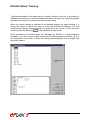
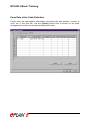
EPLAN also allows you to select contactors online. That is, while you are creating a
schematic. When specifying the properties of the main coil select the [Contactor
selection] button in the Symbol properties window.