1
Different Verification Methods
Check with your terminal’s hardware user manual or with your FingerTec reseller to make
sure that your model comes with the Different Verification Method. Kindly skip this section if your terminal does not come with this feature.
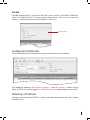
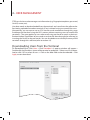
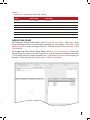
To Configure Different Verification Methods: Click User Access Control tab > Click User Verify Type > Select verification method(s) > Select users for the different verification method
> Click the left arrow to include selected users > Click Update Terminal to send settings to
terminal > Check terminal ID and click Apply > Click Close to finish.
Note
By default, all users use FP/PW/RF (user verifies by fingerprint, FP; password, PW; or
cards, RF).
REVIEWING USERS’ TIME ZONE
You can review the users in a terminal to make sure they are grouped in the correct Time
Zone, Group Times and Different Verification Methods.
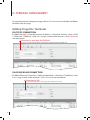
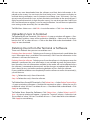
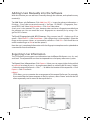
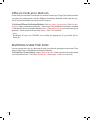
To Review Users’ Group Settings: Select Check User tab > Select Terminal ID to download
user information from > Click Download Users > Click Apply > Click Close to finish.
14