1
3500-5400-6200-6600-8200-BOG-Aug12-K.15.11.book Page 58 Friday, November 16, 2012 8:34 AM
Switch Memory and Configuration
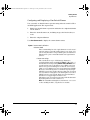
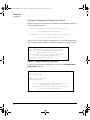
Display Configuration of Selected Interface
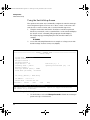
Startup Configuration Output
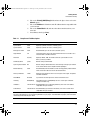
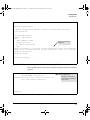
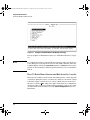
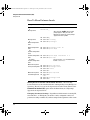
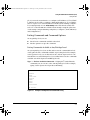
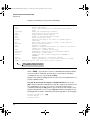
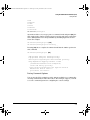
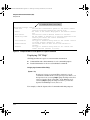
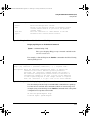
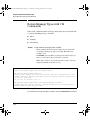
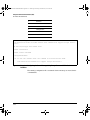
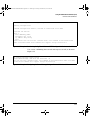
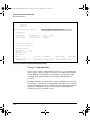
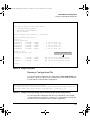
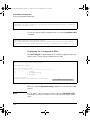
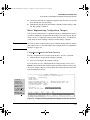
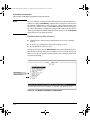
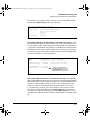
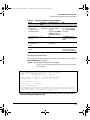
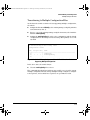
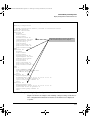
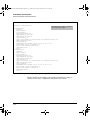
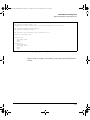
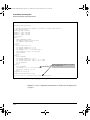
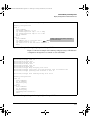
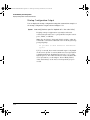
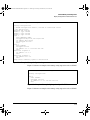
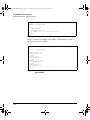
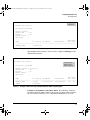
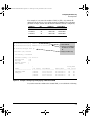
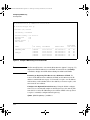
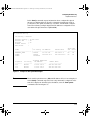
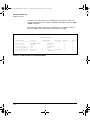
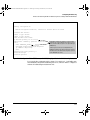
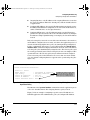
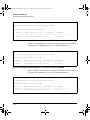
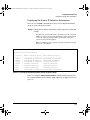
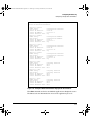
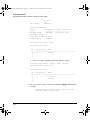
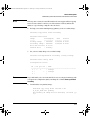
You can display the startup configuration using this command. An example of
the startup configuration output is shown in Figure 5-52.
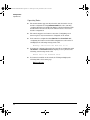
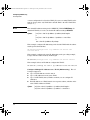
Syntax:
show config [interface <port-list | loopback <0-7> | vlan <vlan-id-list>]
Displays startup configuration information about the
selected interface when one is specified. The interfaces can be
ports, VLANs, or SVLANs.
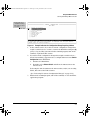
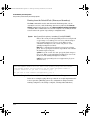
Note: For the 5400zl, 3800, and 8200zl switches, when the
command is executed in enhanced secure mode the following
prompt displays:
Do you want to show sensitive information
(y/n)?
If “Y/y” is entered, the normal command output is displayed
on the console. If “N/n” is entered, all the sensitive information
is hidden and will be displayed as asterisks (“*****”). The
default option is “N/n” when interactive mode is disabled. For
more information, see the chapter “Secure Mode (5400zl,
3800, and 8200zl)” in the Access Security Guide for your
switch.
5-58