1
IV. SAVING AND RETRIEVING IMAGES
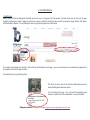
Saving and retrieving images from the Bridgeman Education site couldn‟t be easier. You can either save the images individually direct to your
computer or you can save them as a light box or slideshow online.
-
Individually:
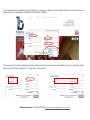
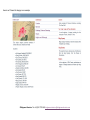
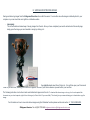
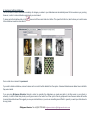
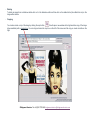
This is the fastest and easiest way of saving images from the site. Once you have completed your search and arrived at the results page,
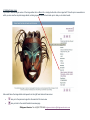
simply open the image you are interested in saving by clicking on it.
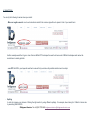
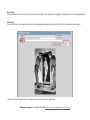
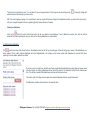
Then right click and select Save Picture As… this will then open your Documents
folder on you hard drive, allowing you to save the image with the title of your choice wherever you want within your own files.
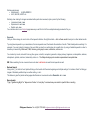
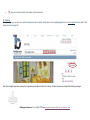
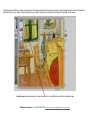
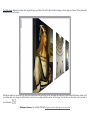
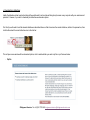
The following instruction can be found under each individual image across the site: To download the above image or to copy it so it can be pasted into
documents on your local computer, right click on the image (or Control click it if you use a Mac). This should give you a menu allowing you to download or copy the
image.
For information on how to save and retrieve images using the Slideshow function please see the next section: V. THE SLIDESHOW.
©Bridgeman Education Tel: +44 (0)20 7727 4065 [email protected]