1
㪙㪸㫊㫀㪺㩷㫆㫇㪼㫉㪸㫋㫀㫆㫅㩷㫇㫉㫆㪺㪼㪻㫌㫉㪼㫊㩷
㩷
㩷
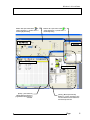
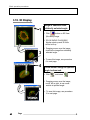
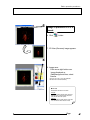
3.18. 3D Display
1
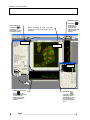
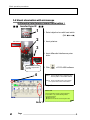
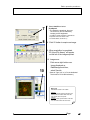
Image is observed from
arbitrarily selected angle.
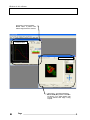
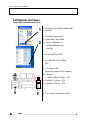
1. Click
button on 2D View(file name) image.
2. [3D-OLYMPUS FLUOVIEW]
window starts up and 3D View
will be built up.
3
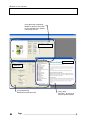
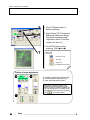
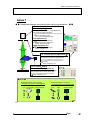
3. Dragging mouse over the image,
observe the image from arbitrarily
selected angle.
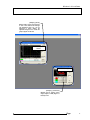
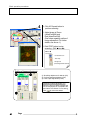
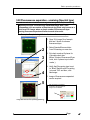
o To save this image, see procedure
6 in next page.
4
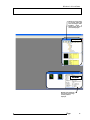
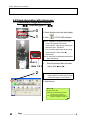
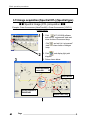
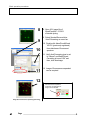
Cross-section image at optional
angle is observed.
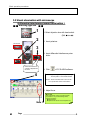
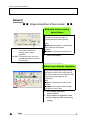
4. Click
5
and select
.
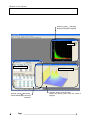
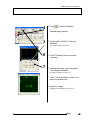
5. Dragging mouse over the image,
move, left or right, to see crosssection at optional angle.
o To save this image, see procedure
6 in next page.
28
㪋㪇㩷
㩷
Page