1
7.
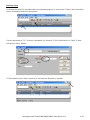
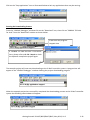
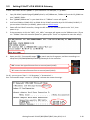
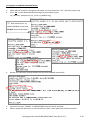
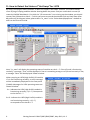
Type "ip" or "ip2" to see the current LAN1 or LAN2’s IP address
Type "ip 192.168.1.xxx" or "ip2 192.168.1.xxx" to setup a new IP address
8.
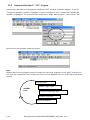
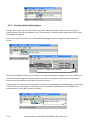
Type "mask" or "mask2" to see the current address mask of the iP-8x47.
Type "mask 255.255.255.0" or "mask2 255.255.255.0" to setup a new address mask.
9.
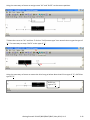
Type "gateway" or "gateway2"o see the current gateway address.
Type "gateway 192.168.1.1" or "gateway2 192.168.1.1" to setup a new gateway address.
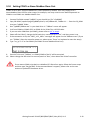
10. Press ALT_X to exit "7188xw", or COM1/COM2 of the PC will be occupied.
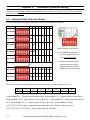
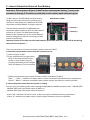
11. Change the DIP switch on controller panel to "Run", and then reboot the iP-8x47 controller.
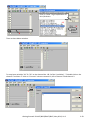
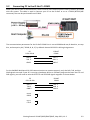
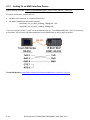
12. On PC, you can press "Start" > "Run…" > Input "cmd" to open the "Command Prompt" window, and
then Input "ping …" (IP) to confirm the connection between PC and controller is well.
3-11
Getting Started: iP-8417/8817/8447/8847, May 2012, V1.3