1
Chapter 4 - Managed Switch Software Setup
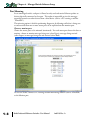
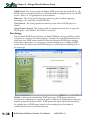
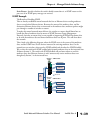
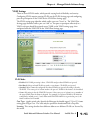
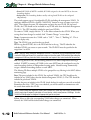
boot the firmware marked as the default, first, commit this page and then reset the switch.
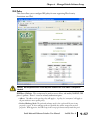
Install Firmware
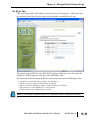
The Install Firmware page allows the inactive firmware (the selection not marked Running on
the Manage Firmware page) to be replaced with a new version. To make the new version be
the running version on the switch, after uploading the new version, you must:
• Go to the Manage Firmware page
• Select the new version as default
• Reset the switch
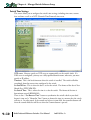
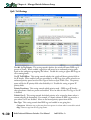
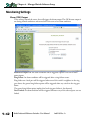
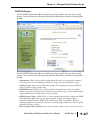
Firmware may be directly uploaded to the switch from the local system.
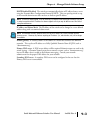
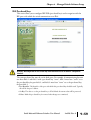
MD5 Checksum (Optional): If an MD5 checksum of the file is available, it may be entered
into this field. Providing a checksum will ensure the firmware arrives at the switch intact and
without any glitches. An MD5 checksum is not required.
File name: Use the “Browse” button to locate the .fwb firmware file.
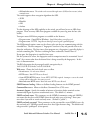
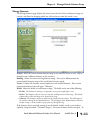
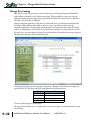
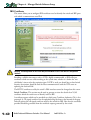
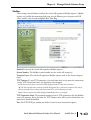
Firmware may also be uploaded to the switch from a remote machine serving the .fwb
firmware file. The server must be providing the file via TFTP, HTTP, HTTPS, FTP or
FTPS.
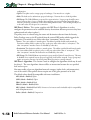
Protocol: Choose one of the following protocols to retrieve the .fwb firmware file: TFTP,
4–12
Stride Industrial Ethernet Switches User Manual
2nd Ed. Rev. A