1
Detailed ENF Editing
6.1.2
Scrolling
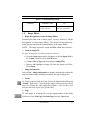
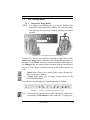
Use the scroll bar and up/down arrows to the right of the ENF window.
You may also use the arrow keys located on your computer keyboard to
scroll up, down, left, and right in an ENF document.
6.1.3
Paging
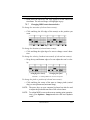
To page forward or backward in an ENF document,
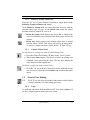
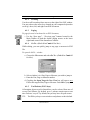
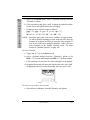
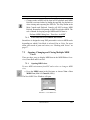
• Use the “Next page” / “Previous page” buttons located in the
Main Toolbar or push the double paging arrows at the lower
right-hand corner of the SmartScore window.
6.1.4
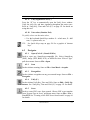
Go To…(Ctrl +G or Cmnd+G for Mac)
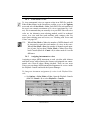
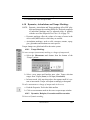
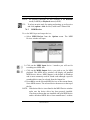
While editing, you can quickly jump to any page or measure in ENF
file.
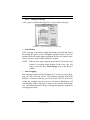
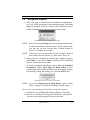
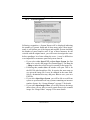
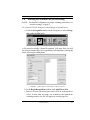
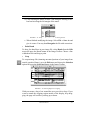
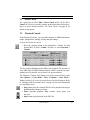
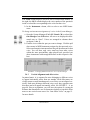
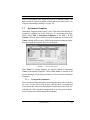
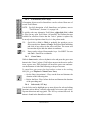
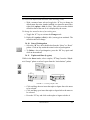
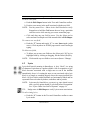
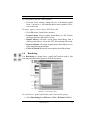
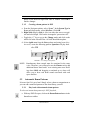
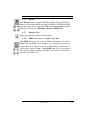
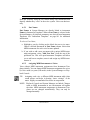
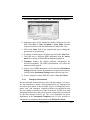
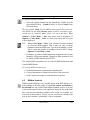
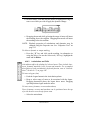
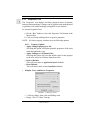
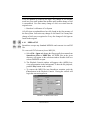
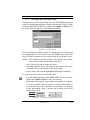
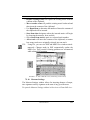
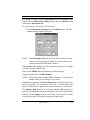
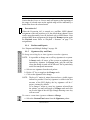
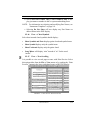
To open the GoTo… window
a. Choose the View menu and select Go To... (Ctrl+G or Cmnd+G
for Mac).
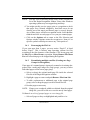
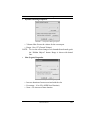
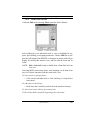
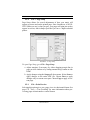
FIGURE 6 - 3: Go To window
b. Select whether it is a Part, Page or Measure you wish to jump to.
c. Enter the Part, Page or Measure number.
d. Checking the Open Target in New View box will open a new
ENF at the targeted Part, Page or Measure. Push OK to jump.
6.1.5
Tool Palettes (F1-F9 keys)
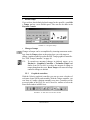
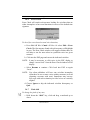
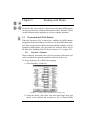
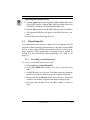
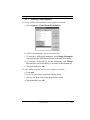
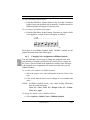
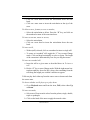
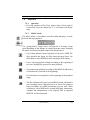
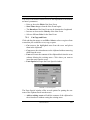
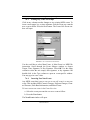
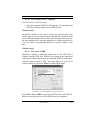
All notation objects used in SmartScore can be selected from one of
several Tool Palettes. By default, up to 3 palettes remain open at one
time. Palettes “recycle” by default, but you may have all open at once.
TIP:
The F1 key always resets windows and palettes to their default.
USING SmartScore
84