1
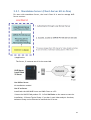
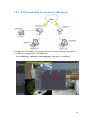
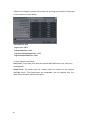
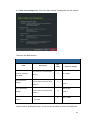
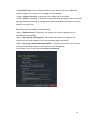
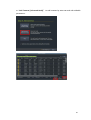
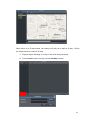
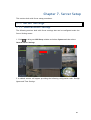
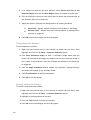
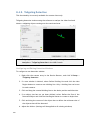
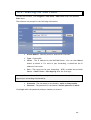
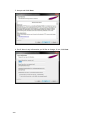
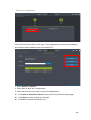
You can also click “Skip” to leave this step, if you wish to add cameras later in the
Local Client’s Setup page.
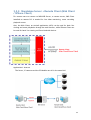
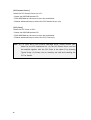
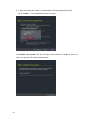
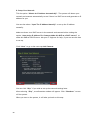
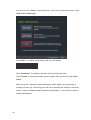
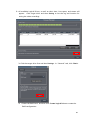
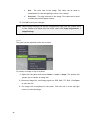
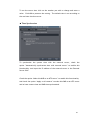
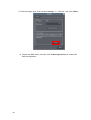
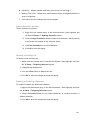
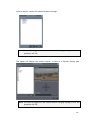
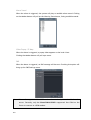
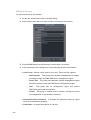
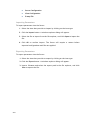
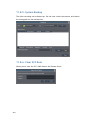
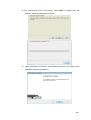
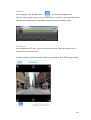
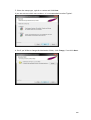
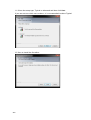
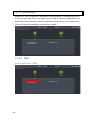
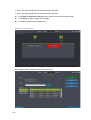
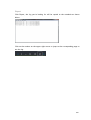
Click “Skip”, a window will prompt to ask for confirmation.
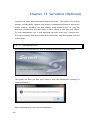
Click “Shutdown” to shutdown and start from this step next time.
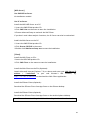
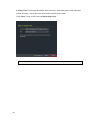
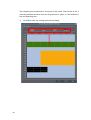
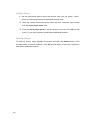
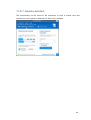
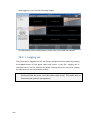
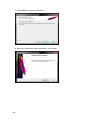
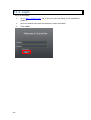
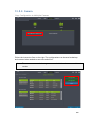
Click “Finish” to close this window and the system will be directed to the Local
Client.
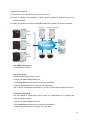
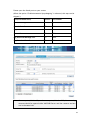
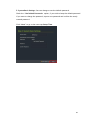
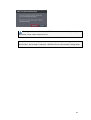
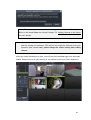
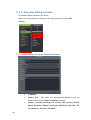
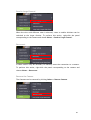
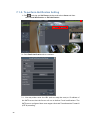
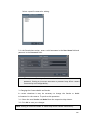
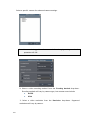
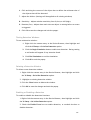
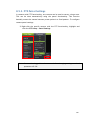
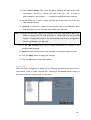
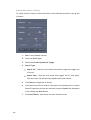
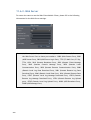
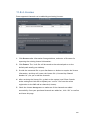
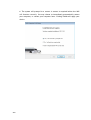
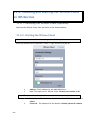
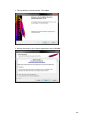
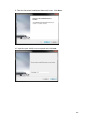
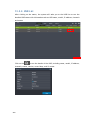
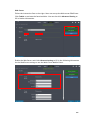
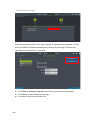
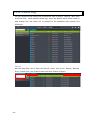
When the option “Optimize camera parameters when adding” is not selected, a
warning will show up, confirming your wish not to optimize the cameras. Check the
option “I agree to disable camera parameter optimization” if you really to skip the
camera optimization.
62