1
Generated BER Functions
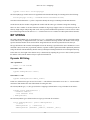
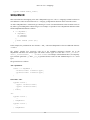
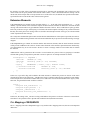
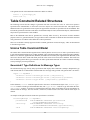
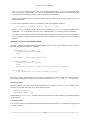
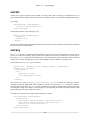
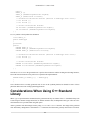
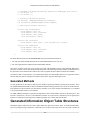
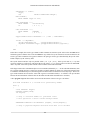
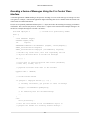
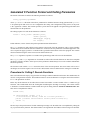
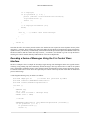
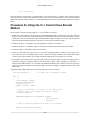
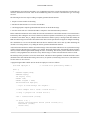
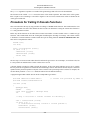
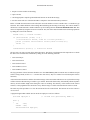
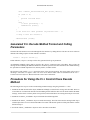
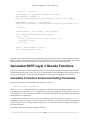
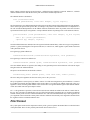
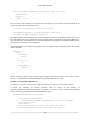
in >> employee;
if (in.getStatus () != 0) {
printf ("decode of PersonnelRecord failed\n");
in.printErrorInfo ();
return -1;
}
// or employee.DecodeFrom (in);
break;
}
case TV_ ...// handle other known messages
...
}
}
return 0;
}
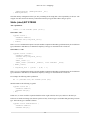
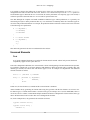
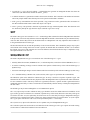
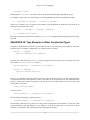
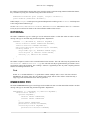
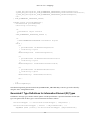
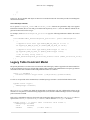
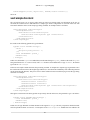
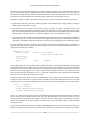
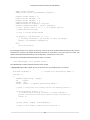
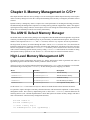
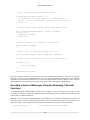
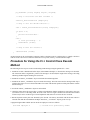
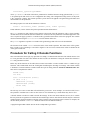
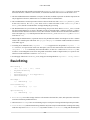
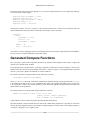
Note that the call to free memory and the stream close method are not required to release dynamic memory when
using the C++ interface. This is because the control class hides all of the details of managing the context and releasing
dynamic memory. The memory is automatically released when both the input stream object (ASN1BERDecodeStream
and derived classes) and the control class object (ASN1C_<ProdName>) are deleted or go out of scope. Reference
counting of a context variable shared by both interfaces is used to accomplish this.
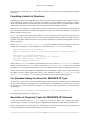
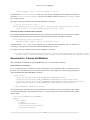
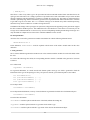
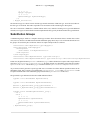
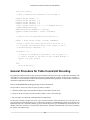
Decoding a Series of Messages Using the C++ Control Class
Interface
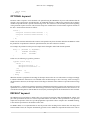
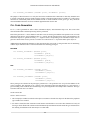
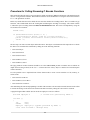
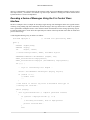
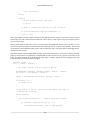
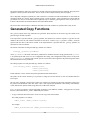
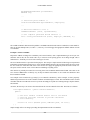
The above example is fine as a sample for decoding a single message, but what happens in the more typical scenario
of having a long-running loop that continuously decodes messages? The logic shown above would not be optimal
from a performance standpoint because of the constant creation and destruction of the message processing objects.
It would be much better to create all of the required objects outside of the loop and then reuse them to decode and
process each message.
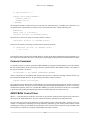
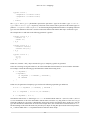
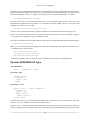
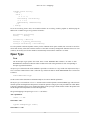
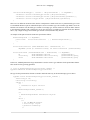
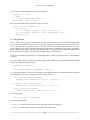
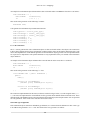
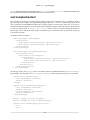
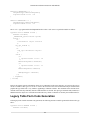
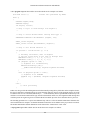
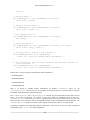
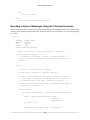
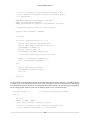
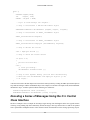
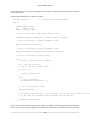
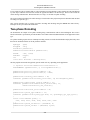
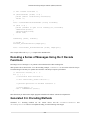
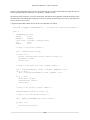
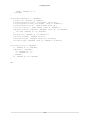
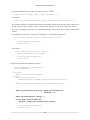
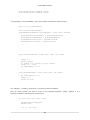
A code fragment showing a way to do this is as follows:
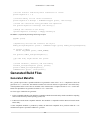
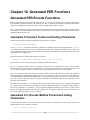
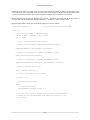
#include "Employee.h"
// include file generated by ASN1C
#include "rtbersrc/ASN1BERDecodeStream.h"
#include "rtxsrc/OSRTFileInputStream.h"
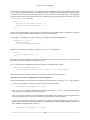
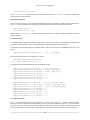
int main ()
{
ASN1TAG tag;
int i, len;
const char* filename = "message.dat";
OSBOOL trace = TRUE;
// Decode
ASN1BERDecodeStream in (new OSRTFileInputStream (filename));
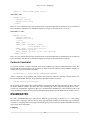
if (in.getStatus () != 0) {
in.printErrorInfo ();
return -1;
183