1
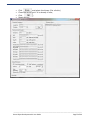
Please wait for about 5 minutes before re-connecting to the TWR after this
operation.
Note:
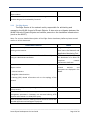
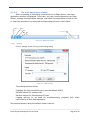
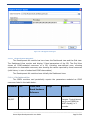
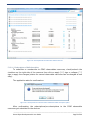
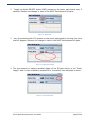
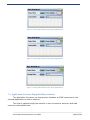
If the TWR time was previously set correctly, the “TWR time incorrect” warning
message box does not appear at all.
If the time on Edge Router was set (either got from Internet, or set trough a
previous NAMT connection) then PC time changed with more than one hour, the
resulting system would have inconsistence between SO’s and the TWR, with
undefined behavior. To prevent it, if NAMT detects the TWR has the time set yet
TWR time is too different (more than one hour apart) from NAMT PC time, the
NAMT will refuse to connect to the TWR and will recommend restarting TWR and
SO’s.
Such scenario can only occur if the user change the time on the PC hosting
NAMT, or if several PC’s running NAMT are used to connect to the same TWR, one
of the PC’s having incorrect time.
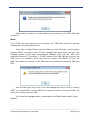
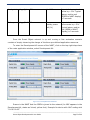
If you see the message above, please reboot the Edge Router and all Smart
Objects.
_____________________________________________________________________________________
Smart Object Development Kit User Guide
Page 62 of 44