1
August 4, 2015
ProbeIT - User Manual
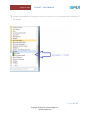
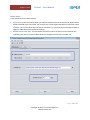
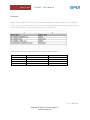
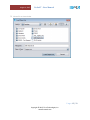
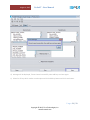
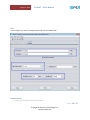
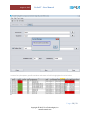
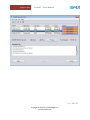
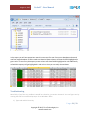
Alternatively you can access report files from ProbeIT/output/<Setup Name> and click “Open
Comparison Report” where generated excel report can be found in the output folder.
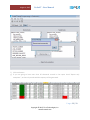
Viewing
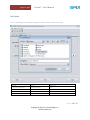
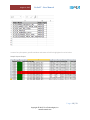
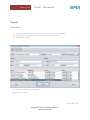
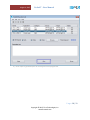
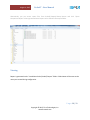
Report is generated under “<Installation Path>/ProbeIT/output” folder. Folder Name will be same as the
name you created during configuration.
P a g e 30 | 33
Copyright © 2015, Tivra Technologies, Inc.
www.tivratech.com