1
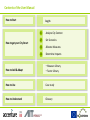
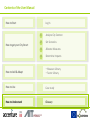
How to Start: Log In
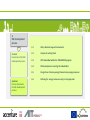
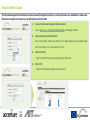
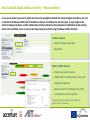
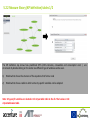
The Decision Support Environment can be accessed through the internet, and test accounts are available for new users
that want to explore the options and get familiar with the DSE.
1.
Access the Decision Support Environment
‒
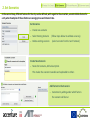
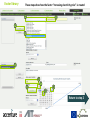
Go to sbc1.ait.ac.at/web/mfumarola/dst via Google Chrome
2.
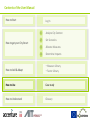
Type Username and Password
‒
Click on the field, enter your details. If no login details are provided, login
with username ‘test’ and password ‘test’.
3.
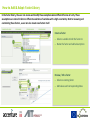
Select the City
- City for which the scenario planning will be made
4.
Click ‘OK’
- Opens the Decision Support Environment