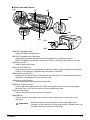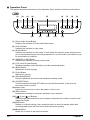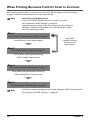
1
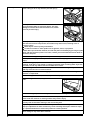
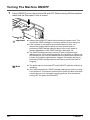
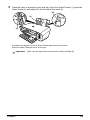
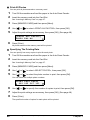
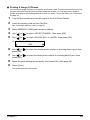
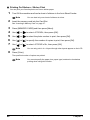
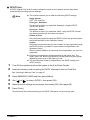
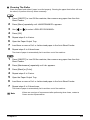
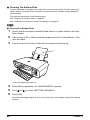
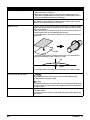
Cleaning The Roller Clean the paper feed rollers if paper is not fed properly. Cleaning the paper feed rollers will wear the rollers, so perform this only when necessary. 1 2 3 4 5 6 7 8 Press [ON/OFF] to turn ON the machine, then remove any paper from the Auto Sheet Feeder. Press [Menu] repeatedly until <MAINTENANCE> appears. Use [ ] or [ ] to select <ROLLER CLEANING>. Press [OK]. Repeat steps 2 to 4 twice. Open the Paper Output Tray. Load three or more of A4- or Letter-sized paper in the Auto Sheet Feeder. Repeat steps 2 to 4 three times. The sheet of paper is automatically fed in and then out of the machine. 1 2 3 4 5 6 7 Press [ON/OFF] to turn ON the machine, then remove any paper from the Auto Sheet Feeder. Press [Maintenance] repeatedly until <b> appears. Press [Black] or [Color]. Repeat steps 2 to 3 twice. Open the Paper Output Tray. Load three or more of A4- or Letter-sized paper in the Auto Sheet Feeder. Repeat steps 2 to 3 three times. The sheet of paper is automatically fed in and then out of the machine. Note Chapter 9 If there are no signs of improvement after performing three times, contact a Canon service representative. Routine Maintenance 83