1
2. Activate Map of Medicine
•
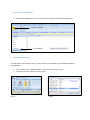
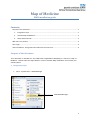
Select Map of Medicine from the Partner API list and then click Activate Application
2: Click to activate
1: Click Map of
3. Setup API Passwords
You will need to specify which users in your practice you would like to access Map of Medicine
through EMIS.
•
•
(Fig 1)
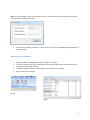
Go to: System tools > EMAS Manager > Partner API > Edit Users (fig 1)
Tick each user who requires access to (fig 2)
(Fig 2)