1
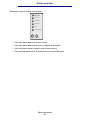
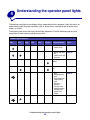
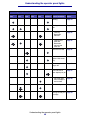
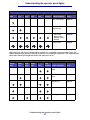
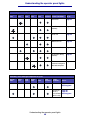
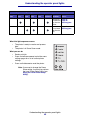
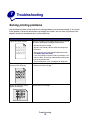
Understanding the operator panel lights
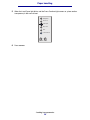
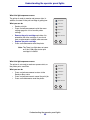
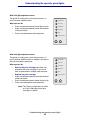
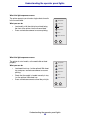
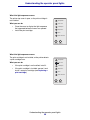
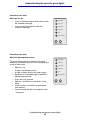
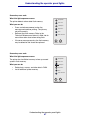
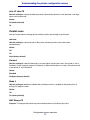
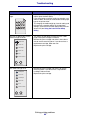
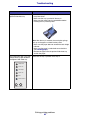
What this light sequence means:
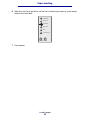
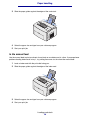
The printer prompts you to load a single sheet of media
in the manual feed.
Ready/Data
What you can do:
Toner Low
•
•
Load media, with the side to be printed facing
the front of the printer, into the manual feed.
Press and release Continue to resume printing.
Load Paper
Paper Jam
Error
Press Continue
Continue Cancel
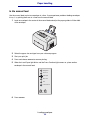
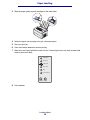
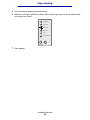
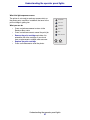
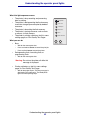
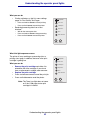
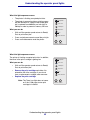
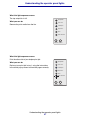
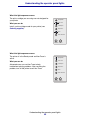
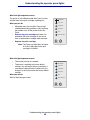
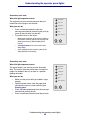
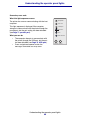
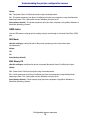
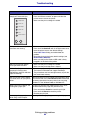
What this light sequence means:
The printer is out of media, or the media did not feed
properly.
Ready/Data
What you can do:
Toner Low
•
•
•
Load media into tray 1 or the optional 250-sheet
tray and press and release Continue to resume
printing.
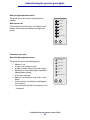
Check that the media is loaded correctly in tray
1 or the optional 250-sheet tray.
Press and release Cancel to cancel the print job.
Load Paper
Paper Jam
Error
Press Continue
Continue Cancel
Understanding the operator panel lights
56