1
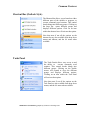
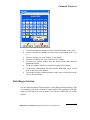
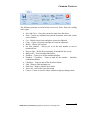
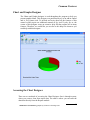
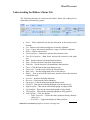
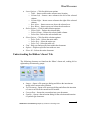
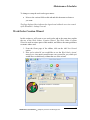
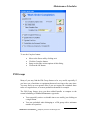
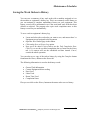
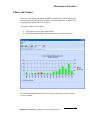
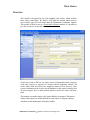
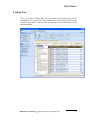
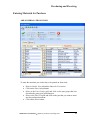
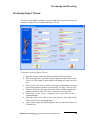
Common Features SERIESDATA POINT - Formats the fill and marker for an individual data point. SERIESDATA POINT LABEL - This option control the type and location of label on individual data points. Formats the font and layout of text, and formats the backdrop. AXISAXIS - The option is for future use. AXISLABEL - This option formats the axis labels and backdrops. AXISTITLE - This option is for future use. LEGEND - This option allows the user to format the chart legend with backdrops, fonts and location. TITLE - This option allows the user to format the chart title with backdrops, fonts, location and displayed text. FOOTNOTE - This option allows the user to format the chart footnote with backdrops, fonts, location and displayed text. COPY - This option copies the current chart into the clipboard in the Windows Metafile (.wmf) format. PASTE - Take a graphic in from the clipboard, in either the Bitmap (.bmp) or Metafile (.wmf) formats and places it the selected element’s backdrop or fill. PRINT - Allow the user to print the current chart. SAVE AS - Allows the user to save the current chart as a chart file (.vtc), a bitmap (.bmp), or metafile (.wmf). LOAD - Load an existing chart file (.vtc) into the Chart Designer, replacing any currently loaded chart. Maintenance Coordinator Simplicity Software Technologies Inc. 51