1
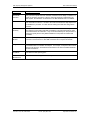
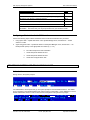
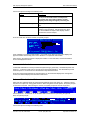
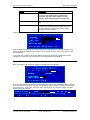
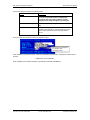
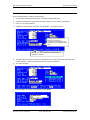
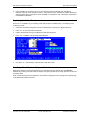
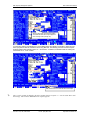
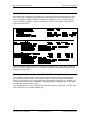
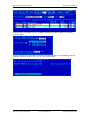
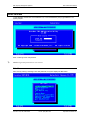
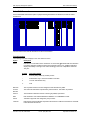
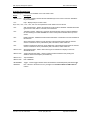
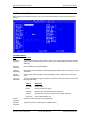
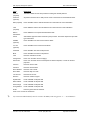
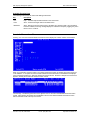
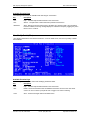
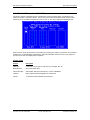
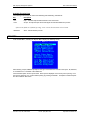
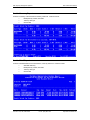
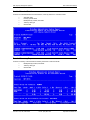
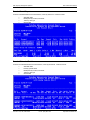
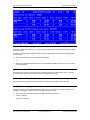
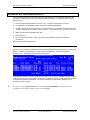
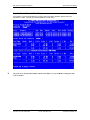
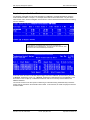
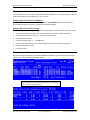
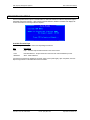
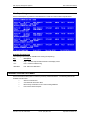
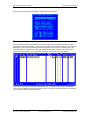
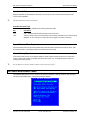
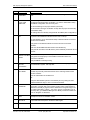
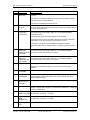
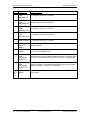
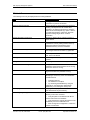
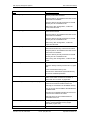
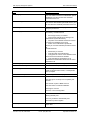
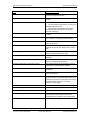
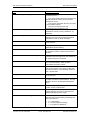
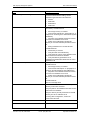
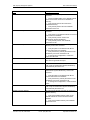
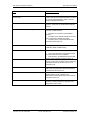
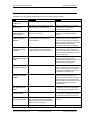
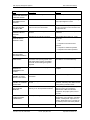
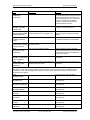
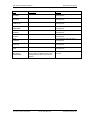
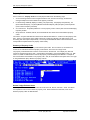
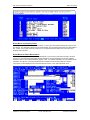
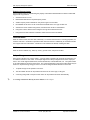
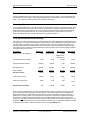
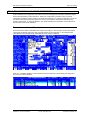
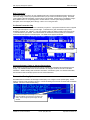
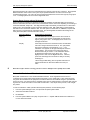
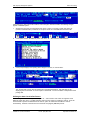
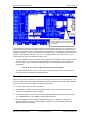
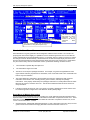
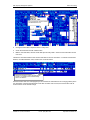
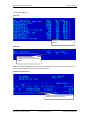
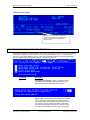
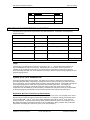
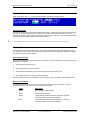
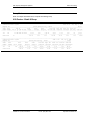
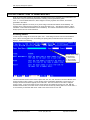
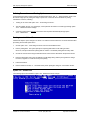
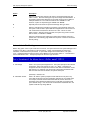
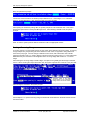
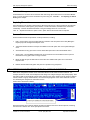
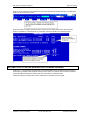
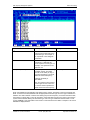
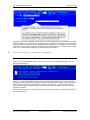
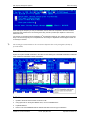
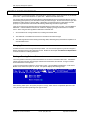
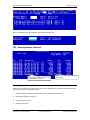
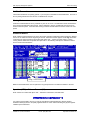
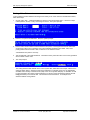
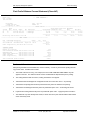
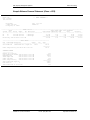
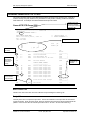
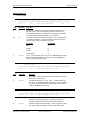
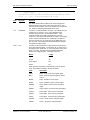
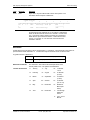
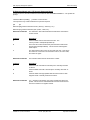
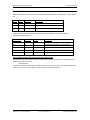
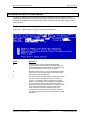
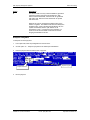
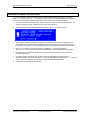
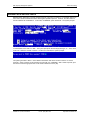
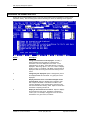
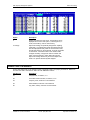
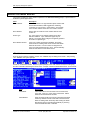
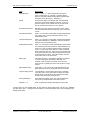
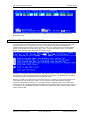
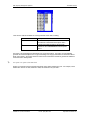
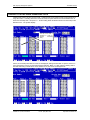
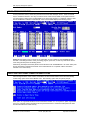
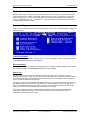
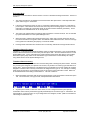
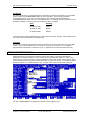
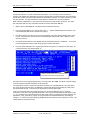
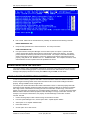
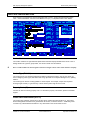
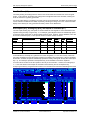
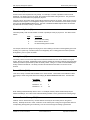
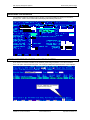
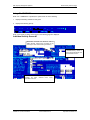
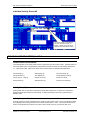
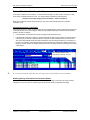
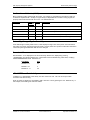
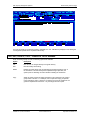
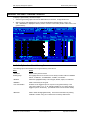
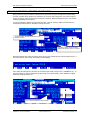
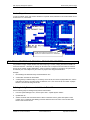
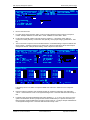
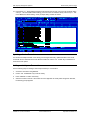
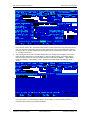
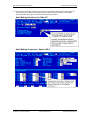
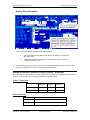
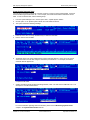
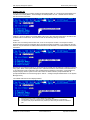
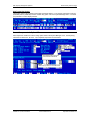
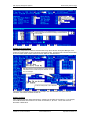
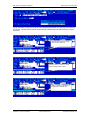
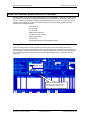
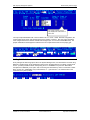
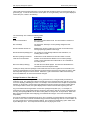
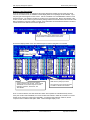
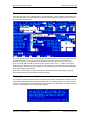
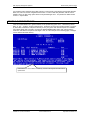
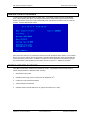
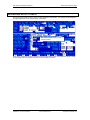
RDP Property Management Systems SDC Credit Card Interface Deposit Status Report (Log) Displays the settlement (deposit) log. This report provides all settlement deposit attempts, both successful and unsuccessful. In addition to selecting the Deposit Status Report from the Reports Menu, this report can be generated in two other ways: 1. Select “View Deposit Log” from the PBAdmin Main Menu or 2. Select the “Database Management Menu” from the PBAdmin Main Menu, select “View Log”, and then choose “Settlement”. Authorization Date & Time Report Lists transactions sorted by Authorization Date, and within each date, by Authorization Time. Totals are provided for each date by card type and then totals for all dates by card type. Incremental Authorization Report Lists transactions by location and terminal, showing the original and total authorization amounts. Card Type Summary Report Provides a summary of all transactions sorted by card type. This includes any “card type” defined in the ProtoBase configuration, including CHECK and DEBIT. Features include: • Sort by card type, with separate totals for credits and returns by card type. • Totals by card type • Totals for all card types Resort Data Processing, Inc. P.O. Box 1170, Vail, CO 81658 (11/99) Phone: (970) 845-1140 1-30 http://www.resortdata.com