1
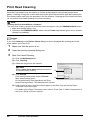
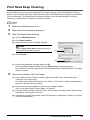
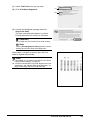
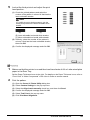
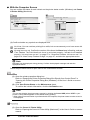
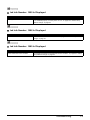
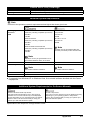
(1) Select Test Print in the pop-up menu.
(1)
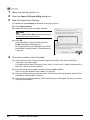
(2) Click Print Head Alignment.
(2)
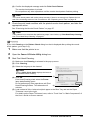
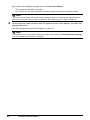
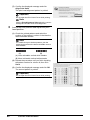
(3) Confirm the displayed message and click
Align Print Head.
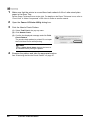
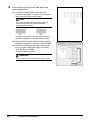
The print head alignment pattern is printed.
Printing takes about 4 minutes to complete.
Important
Do not open the Print Head Cover while printing.
Note
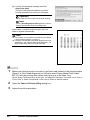
Clicking Print Alignment Value prints the current
settings and finishes Print Head Alignment.
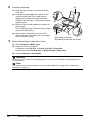
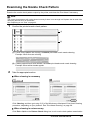
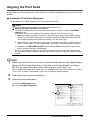
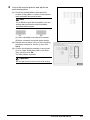
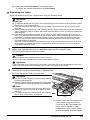
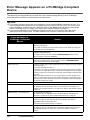
If the pattern is printed as shown right, the Print
Head is aligned automatically.
Note
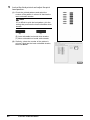
z If the pattern is not printed successfully, see “Alarm
Lamp Flashes Orange” on page 67.
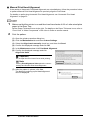
z If results of Automatic Print Head Alignment are not
satisfactory, see “Manual Print Head Alignment” on
page 36 and align the Print Head manually.
Routine Maintenance
35