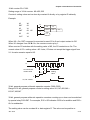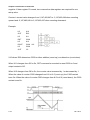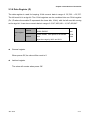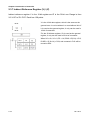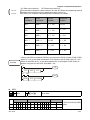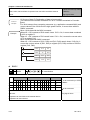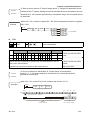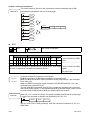
1
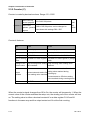
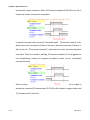
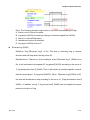
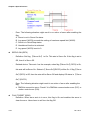
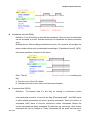
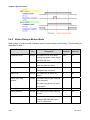
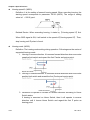
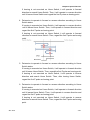
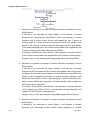
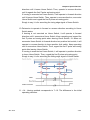
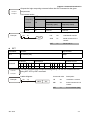
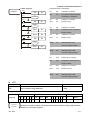
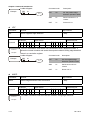
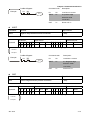
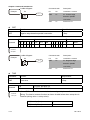
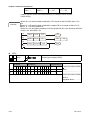
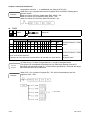
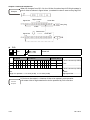
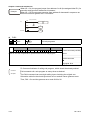
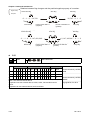
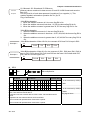
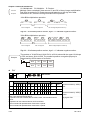
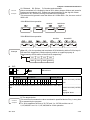
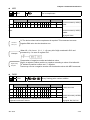
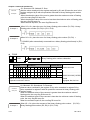
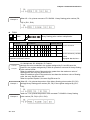
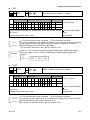
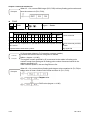
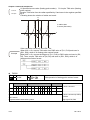
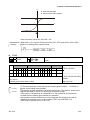
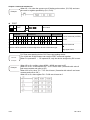
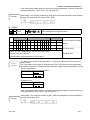
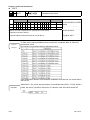
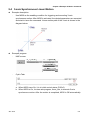
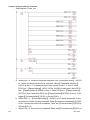
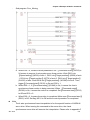
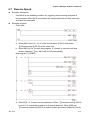
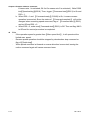
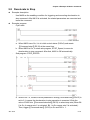
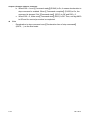
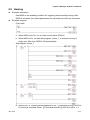
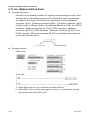
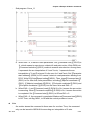
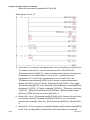
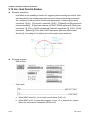
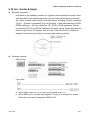
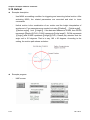
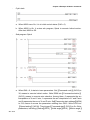
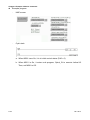
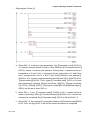
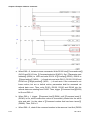
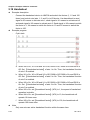
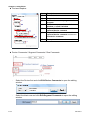
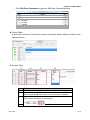
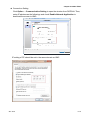
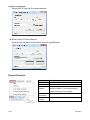
Chapter 5 Example of Motion Command 5.15 Helical Example description Use M560 as enabling condition for triggering and executing helical motion. After activating M560, the related parameters are executed and start to issue commands. Helical motion is the combination of arc motion and the height interpolation of another axis. Four parameters are needed, including【Radius】, 【Initial angle】, 【Motion angle】 and 【Height】. If the data start address is D1000, then D1000 represents【Radius】(PUU), D1002 represents【initial angle】, D1004 represents 【Angle】and D1006 represents【Height】(PUU). Please pay attention that the angle unit is 0.5 degrees. That is to say, 180 = 90 degrees. According to the setting, the motion path shows as below: Example program 5-34 HMC screen Jan. 2014