1
FDRPAS SPECIAL CON SIDERATION S
FDRPAS AN D IBM GDPS/PPRC HYPERSWAP
320.06
320.06
FDRPAS AND IBM GDPS/PPRC HYPERSWAP
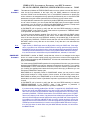
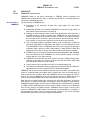
FDREMCS is especially useful in combination with the FDRPAS enhanced support for
IBM GDPS/PPRC HyperSwap. FDRPAS can do the work of copying data from old to new
devices, but cannot do the final SWAP while HyperSwap is active. The enhanced support
allows FDRPAS to wait until HyperSwap has been disabled, then quickly complete the
SWAP of all active volumes. FDREMCS, when used in conjunction with some special
FDRPAS steps, is used to issue the NetView HyperSwap disable command, and later the
re-enable command, so that HyperSwap disablement time is reduced to a few minutes at
most. NetView parameters may need to be modified to accept z/OS MODIFY (F)
commands from a console called “FDREMCS” (or whatever you specify for CONSOLE=)
for NetView command input. The name of the NetView task on your system may not be
“NETVIEW”, so you need to substitute the actual name. Consult the NetView manuals for
details.
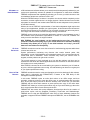
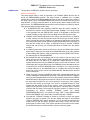
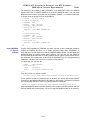
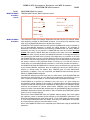
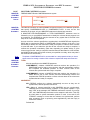
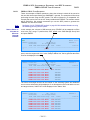
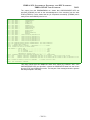
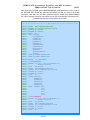
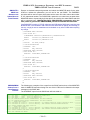
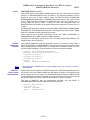
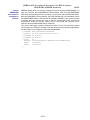
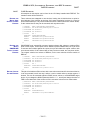
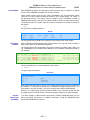
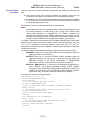
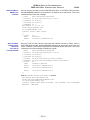
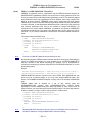
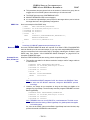
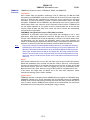
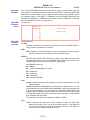
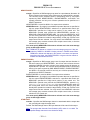
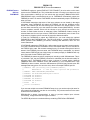
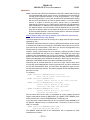
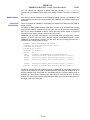
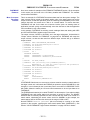
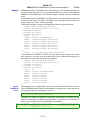
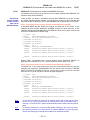
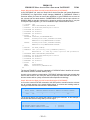
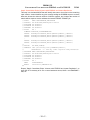
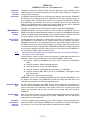
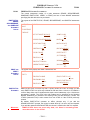
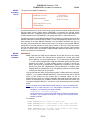
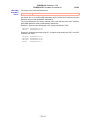
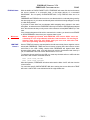
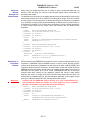
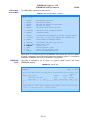
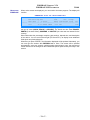
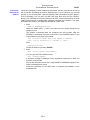
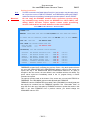
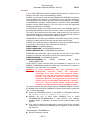
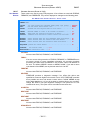
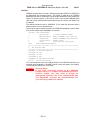
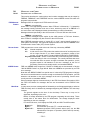
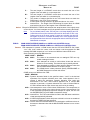
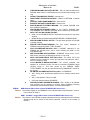
This example shows the SWAP step.
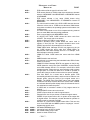
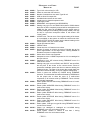
//SWAP
//STEPLIB
//SYSPRINT
//SYSUDUMP
//SYSIN
SWAP
MOUNT
EXEC PGM=FDRPAS,REGION=0M
DD DISP=SHR,DSN=fdrpas.loadlib
DD SYSOUT=*
DD SYSOUT=*
DD *
TYPE=FULL,CONFIRMSWAP=YES,
MAXTASKS=32,MAXACTIVESWAPS=YES
VOL=vvvvvv,SWAPUNIT=uuuu
…
/*
NOTE:
A maximum of 32 MOUNT statements are permitted per job step.
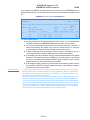
No jobs that access the GDPS protected volumes should be running in the Controlling (K)
systems in a GDPS environment, so it is not necessary to run an FDRPAS MONITOR to
swap the volumes on the GDPS Controlling (K) systems. This is accomplished by
excluding the Controlling (K) systems CPU-IDs from the FDRPAS SWAP task run on the
primary swap system.
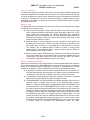
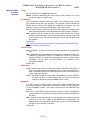
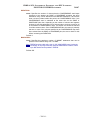
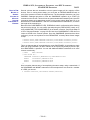
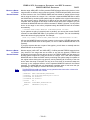
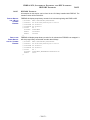
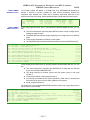
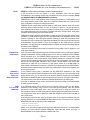
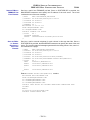
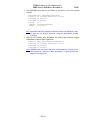
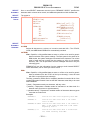
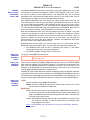
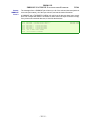
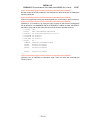
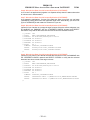
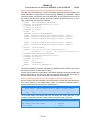
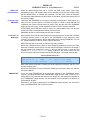
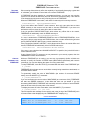
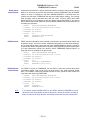
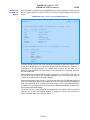
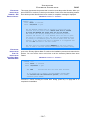
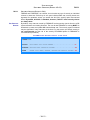
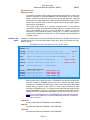
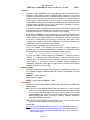
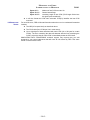
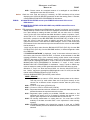
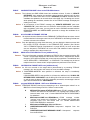
Example:
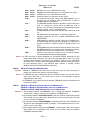
EXCLUDE CPUID=25CF0E2094 /* GDPS alternate Controlling system */
EXCLUDE CPUID=34CF1E2094 /* GDPS Master Controlling system */
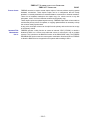
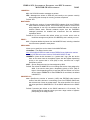
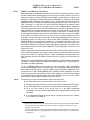
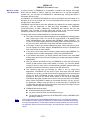
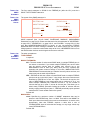
FDRPAS MONITOR tasks are required on all other LPARs. Each MONITOR task can
handle up to 64 concurrent swaps, so you may need multiple MONITOR tasks. See
Section “310.23 MONITOR SWAP Examples” on page 310-47 for examples of MONITOR
steps.
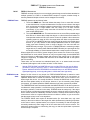
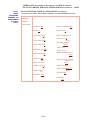
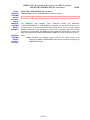
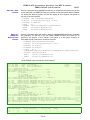
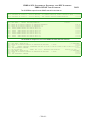
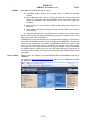
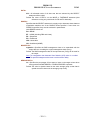
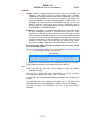
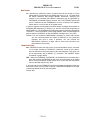
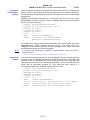
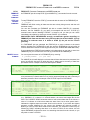
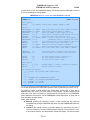
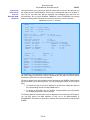
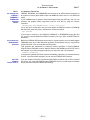
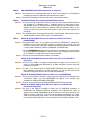
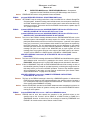
FDRPAS SWAP task is initiated for a set of disk volumes using the
CONFIRMSWAP=YES operand. With CONFIRMSWAP=YES, FDRPAS allows
HyperSwap to remain enabled during the data copy phase of each volume. Once all
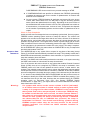
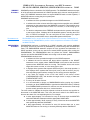
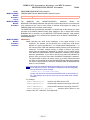
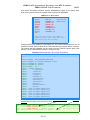
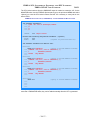
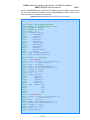
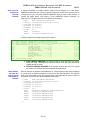
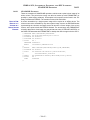
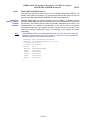
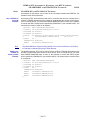
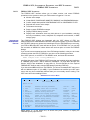
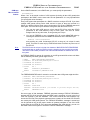
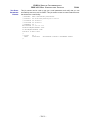
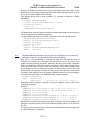
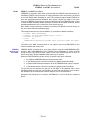
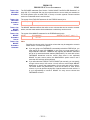
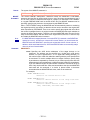
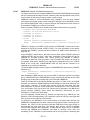
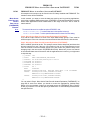
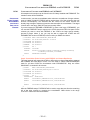
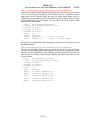
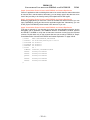
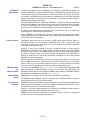
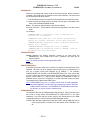
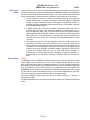
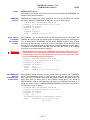
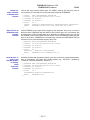
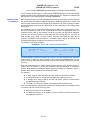
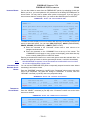
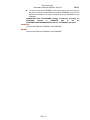
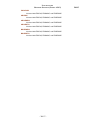
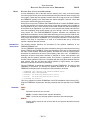
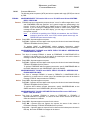
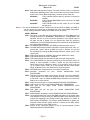
swaps are active, you can submit a job with the following steps. The confirm step waits for
all disks to reach the “ready to confirm” step, and then it confirms them.
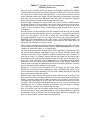
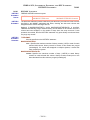
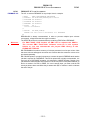
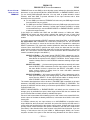
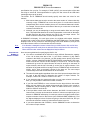
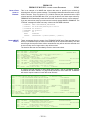
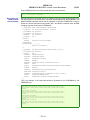
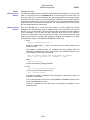
//CONFIRM
//STEPLIB
//SYSPRINT
//SYSUDUMP
//SYSIN
MONITOR
MOUNT
…
/*
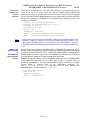
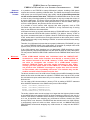
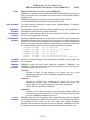
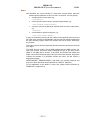
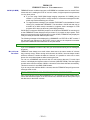
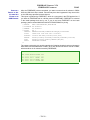
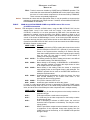
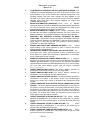
NOTE:
EXEC PGM=FDRPAS,REGION=0M
DD DISP=SHR,DSN=fdrpas.loadlib
DD SYSOUT=*
DD SYSOUT=*
DD *
TYPE=CONFIRMSWAP,MAXCARDS=1000
VOL=vvvvvv
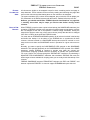
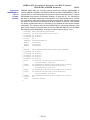
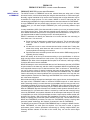
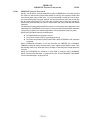
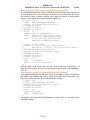
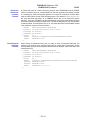
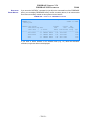
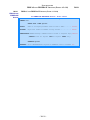
Add additional MOUNT statements for ALL the volumes to be SWAPped. If there are more than
1000 MOUNT statements, change the MAXCARDS= operand accordingly.
- 320-34 -