1
Repository Administration
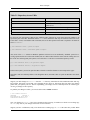
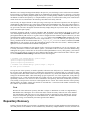
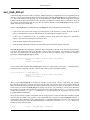
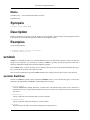
Perhaps the most commonly used of svnadmin's subcommands is setlog. When a transaction is committed to the
repository and promoted to a revision, the descriptive log message associated with that new revision (and provided
by the user) is stored as an unversioned property attached to the revision itself. In other words, the repository remembers only the latest value of the property, and discards previous ones.
Sometimes a user will have an error in her log message (a misspelling or some misinformation, perhaps). If the
repository is configured (using the pre-revprop-change and post-revprop-change hooks; see Section ,
“Hook Scripts”) to accept changes to this log message after the commit is finished, then the user can “fix” her log
message remotely using the svn program's propset command (see Chapter 9, Subversion Complete Reference).
However, because of the potential to lose information forever, Subversion repositories are not, by default, configured to allow changes to unversioned properties—except by an administrator.
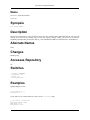
If a log message needs to be changed by an administrator, this can be done using svnadmin setlog. This command
changes the log message (the svn:log property) on a given revision of a repository, reading the new value from a
provided file.
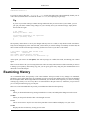
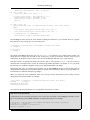
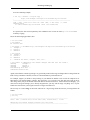
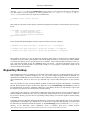
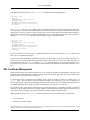
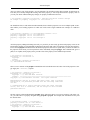
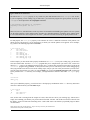
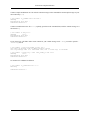
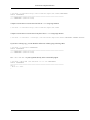
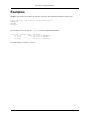
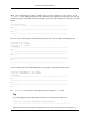
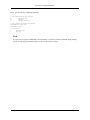
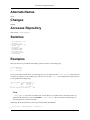
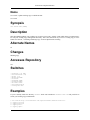
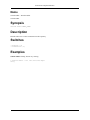
$ echo "Here is the new, correct log message" > newlog.txt
$ svnadmin setlog myrepos newlog.txt -r 388
The svnadmin setlog command alone is still bound by the same protections against modifying unversioned properties as a remote client is—the pre- and post-revprop-change hooks are still triggered, and therefore must be
setup to accept changes of this nature. But an administrator can get around these protections by passing the -bypass-hooks option to the svnadmin setlog command.
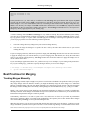
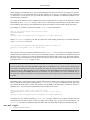
Warning
Remember, though, that by bypassing the hooks, you are likely avoiding such things as email notifications
of property changes, backup systems which track unversioned property changes, and so on. In other words,
be very careful about what you are changing, and how you change it.
Another common use of svnadmin is to query the repository for outstanding—possibly dead—Subversion transactions. In the event that a commit should fail, the transaction is usually cleaned up. That is, the transaction itself is removed from the repository, and any data associated with (and only with) that transaction is removed as well. Occasionally, though, a failure occurs in such a way that the cleanup of the transaction never happens. This could happen
for several reasons: perhaps the client operation was inelegantly terminated by the user, or a network failure might
have occurred in the middle of an operation, etc. Regardless of the reason, these dead transactions serve only to clutter the repository and consume resources.
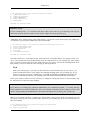
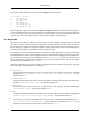
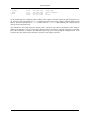
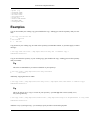
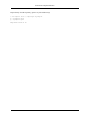
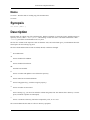
You can use svnadmin's lstxns command to list the names of the currently outstanding transactions.
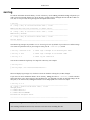
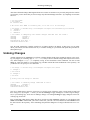
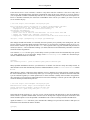
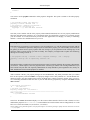
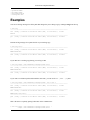
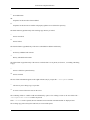
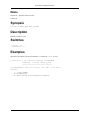
$ svnadmin lstxns myrepos
19
3a1
a45
$
Each item in the resultant output can then be used with svnlook (and its --transaction option) to determine who
created the transaction, when it was created, what types of changes were made in the transaction—in other words,
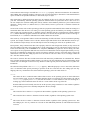
whether or not the transaction is a safe candidate for removal! If so, the transaction's name can be passed to svnadmin rmtxns, which will perform the cleanup of the transaction. In fact, the rmtxns subcommand can take its input
directly from the output of lstxns!
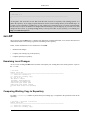
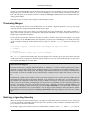
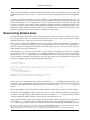
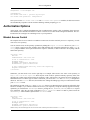
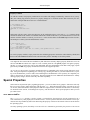
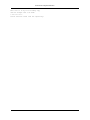
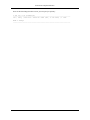
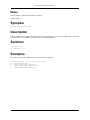
$ svnadmin rmtxns myrepos `svnadmin lstxns myrepos`
$
74