1
Shutter Button
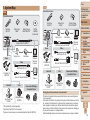
Cover
Shooting Modes
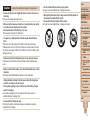
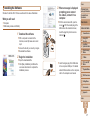
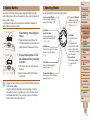
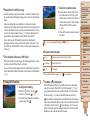
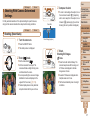
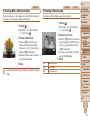
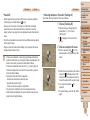
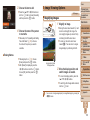
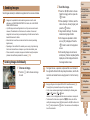
To ensure your shots are in focus, always begin by holding the shutter
button halfway down, and once the subject is in focus, press the button all
the way down to shoot.
In this manual, shutter button operations are described as pressing the
button halfway or all the way down.
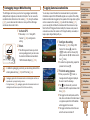
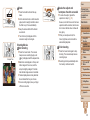
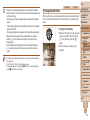
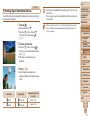
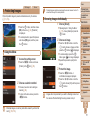
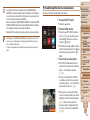
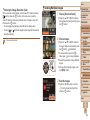
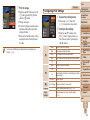
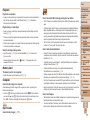
1 Press halfway. (Press lightly to
focus.)
zz
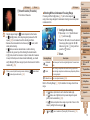
Press the shutter button halfway. The
camera beeps twice, and AF frames are
displayed around image areas in focus.
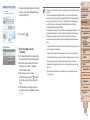
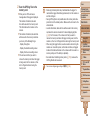
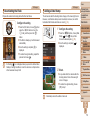
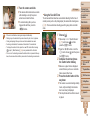
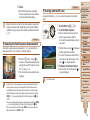
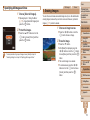
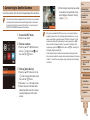
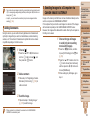
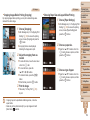
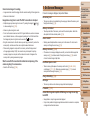
2 Press all the way down. (From
the halfway position, press fully
to shoot.)
XX
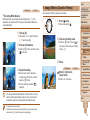
The camera shoots, as a shutter sound
is played.
zz
Keep the camera still until the shutter
sound ends.
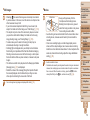
• Images may be out of focus if you shoot without initially pressing the
shutter button halfway.
• Length of shutter sound playback varies depending on the time
required for the shot. It may take longer in some shooting scenes,
and images will be blurry if you move the camera (or the subject
moves) before the shutter sound ends.
Preliminary Notes
and Legal Information
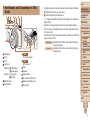
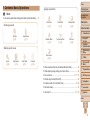
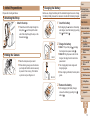
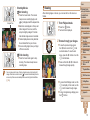
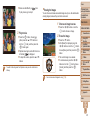
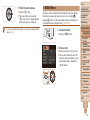
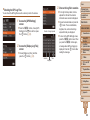
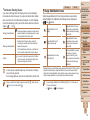
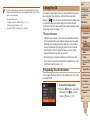
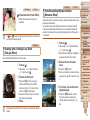
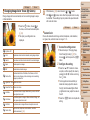
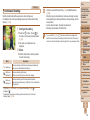
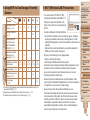
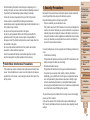
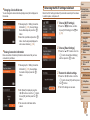
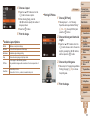
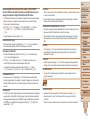
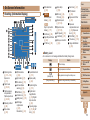
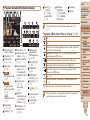
Use the mode dial to access each shooting mode.
Live View Control Mode
Customize image brightness or
colors when shooting (= 69).
Auto Mode
Hybrid Auto Mode
Fully automatic shooting, with
camera-determined settings
(= 18, 47, 49).
Sports Mode
Shoot continuously as the camera
focuses on moving subjects
(= 70).
Scene Mode
Shoot with optimal settings for
specific scenes (= 71).
Creative Filters Mode
Add a variety of effects to images
when shooting (= 73).
P, Tv, Av, and M Modes
Take a variety of shots
using your preferred
settings (= 82, 96).
Movie Mode
For shooting movies
(= 80).
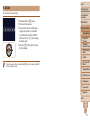
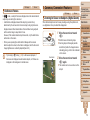
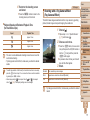
You can also shoot
movies when the mode
dial is not set to Movie
mode, simply by pressing
the movie button.
Discreet Mode
Shoot without the flash
or camera sounds
(= 69).
Contents: Basic
Operations
Basic Guide
Advanced Guide
1
2
3
4
5
6
7
8
9
10
11
Camera Basics
Using GPS
Function
Auto Mode/
Hybrid Auto Mode
Other Shooting
Modes
P Mode
Tv, Av, and M
Mode
Playback Mode
Wi-Fi Functions
Setting Menu
Accessories
Appendix
Index
33