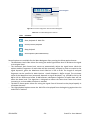
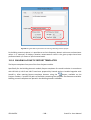
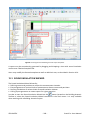
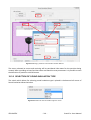
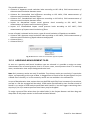
1
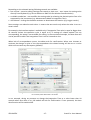
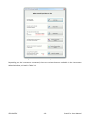
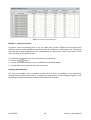
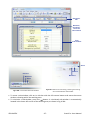
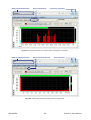
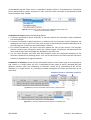
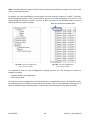
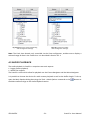
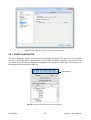
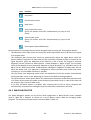
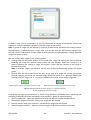
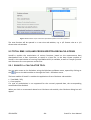
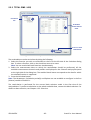
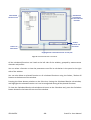
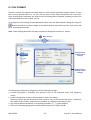
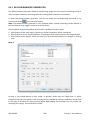
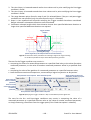
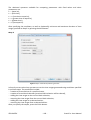
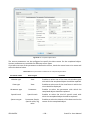
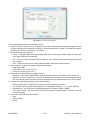
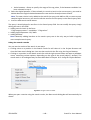
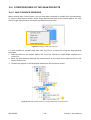
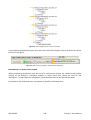
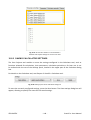
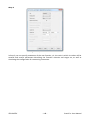
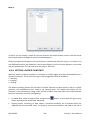
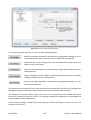
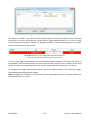
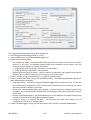
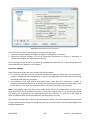
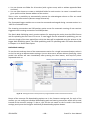
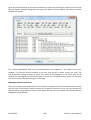
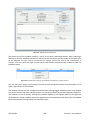
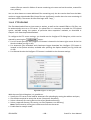
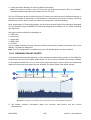
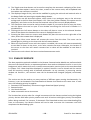
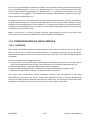
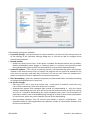
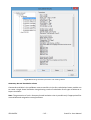
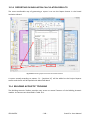
Fig.10-19 The Time range dialog box. The Formatting parameters tab enables one to: Specify a text string that will be enclosed in the report instead of the templated object in case no data satisfying the conditions specified in Source parameters is found. To enable this option, check the If no source is matched... checkbox. Select to format the results as: o Table - a standard Microsoft Word table with rows containing individual data and columns referring to different information, o List - a list of results with each data in separate lines, different information being separated by a comma, o Text - results in raw text form with individual data contained in separate lines. Select the unit in which the results should be displayed: o Logarithmic (dB) o Linear metric (Pa, m/s2, m/s, m) o Linear non-metric (g, ips, mil) Select the time domain type in logger results: o Absolute - time values represent the actual measurement time, as saved in the results file. o Relative - the first sample time is set as 00:00:00 of the first day of the measurement and all the later sample times represent the time passed since the measurement of the first sample. Configure the following settings of the values display: o Format (Fixed-point / Scientific) and Precision of the displayed numbers, o The symbol used as the decimal separator in all displayed numbers ( , / . / system default), o dB resolution - the precision of displaying logarithmic values (0.1dB / 0.01dB) o Time span format - the way time values are formatted, including hours, minutes, seconds and milliseconds. Select the information to be included: o Unit, o Result header, o Result. © SVANTEK - 129 - SvanPC++ User Manual