1
FINALIZING A SERVLET
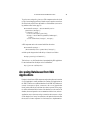
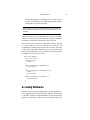
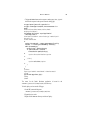
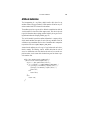
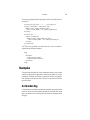
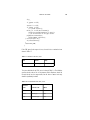
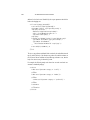
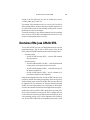
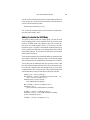
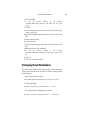
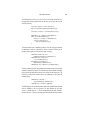
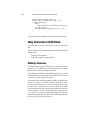
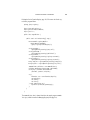
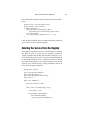
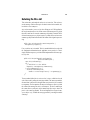
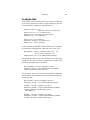
"<a href=\"" +
response.encodeURL(request.getContextPath() + "/cashier") +
"\">" + messages.getString("Checkout") +
"</a> " +
"<a href=\"" +
response.encodeURL(request.getContextPath() +
"/showcart?Clear=clear") +
"\">" + messages.getString("ClearCart") +
"</a></strong>");
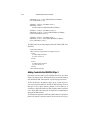
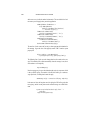
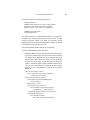
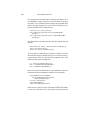
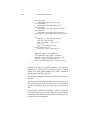
If cookies are turned off, the session is encoded in the Check Out URL as follows:
http://localhost:80/bookstore1/cashier;
jsessionid=c0o7fszeb1
If cookies are turned on, the URL is simply
http://localhost:80/bookstore1/cashier
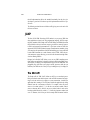
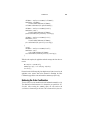
Finalizing a Servlet
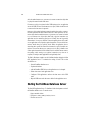
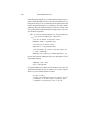
When a servlet container determines that a servlet should be removed from service (for example, when a container wants to reclaim memory resources, or
when it is being shut down), it calls the destroy method of the Servlet interface. In this method, you release any resources the servlet is using and save any
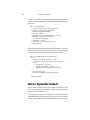
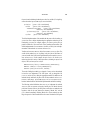
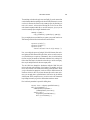
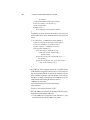
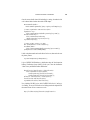
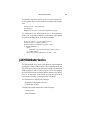
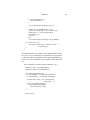
persistent state. The following destroy method releases the database object created in the init method described in Initializing a Servlet (page 58):
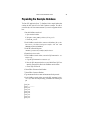
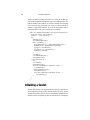
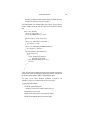
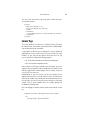
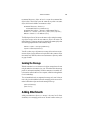
public void destroy() {
bookDB = null;
}
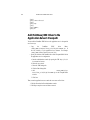
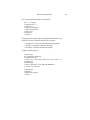
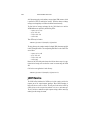
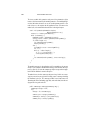
All of a servlet’s service methods should be complete when a servlet is removed.
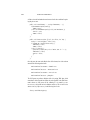
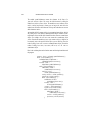
The server tries to ensure this by calling the destroy method only after all service requests have returned, or after a server-specific grace period, whichever
comes first. If your servlet has operations that take a long time to run (that is,
operations that may run longer than the server’s grace period), the operations
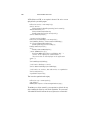
could still be running when destroy is called. You must make sure that any
79