1
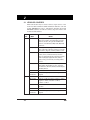
General Information
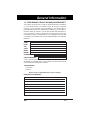
NOTE :
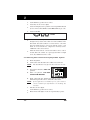
For Saturn vehicles, either the "Shift to D2" light or
the "Temperature" indicator light is used to transmit
Saturn Electronic Transmission codes.
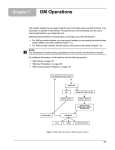
1.2 ABOUT YOUR CODE READER
The Code Reader is a device which connects to your vehicle's
computer self-test connector. It allows the computer to output
the service codes through the vehicle's instrument panel
indicator lights. The Code Reader can be used to retrieve:
■
Engine/Electronic Transmission codes (ECM/PCM)
NOTE:
■
Unless otherwise indicated, any reference to ECM
throughout this manual also applies to PCM.
Anti-Lock Brake System codes (ABS)
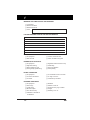
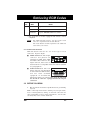
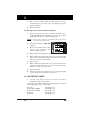
1.2.1 Controls and Indicators
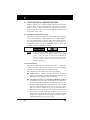
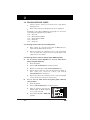
Selector Switch – Selects
operating mode for Code Reader:
■
ECM A-B – Use to retrieve ECM
codes
■
ABS A-H – Use to retrieve ABS
service codes
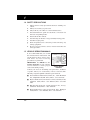
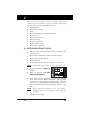
1.3 TEST CONNECTOR LOCATIONS
•
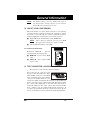
The gateway to your vehicle's onboard computer.
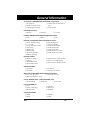
Your vehicle test connector also
known as the Assembly Line Data
Link (ALDL) connector or Assembly
Line Communication Link (ALCL)
connector is usually black in color
and is most likely found under the left side of the dashboard.
Some connectors can be found on the right kick panel, under
the center of the dashboard, on the side of the fuse block or
under the ashtray in the center console. The connector might
have a plastic cover on it labeled "Diagnostic Connector". If
you have any questions about the connector's location, please
refer to your vehicle's service manual for detailed information.
GM
1-2