1
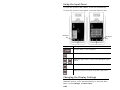
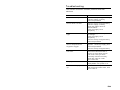
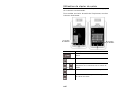
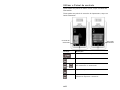
Cleaning the Scanner Window and Display
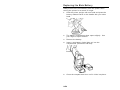
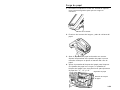
1. Turn off the printer.
2. Moisten a soft cloth with distilled water.
3. Wipe the scanner window and the display screen until
they are clean.
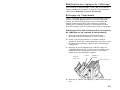
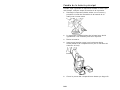
Clearing Supply Jams
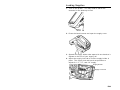
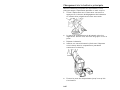
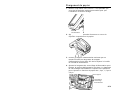
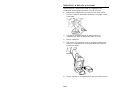
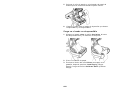
1. Turn off the printer.
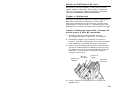
2. Open the supply cover and remove the supplies.
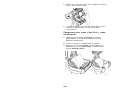
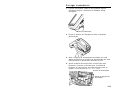
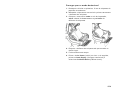
3. Hold the printer upright and gently press down on the
label deflector.
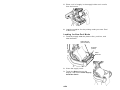
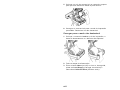
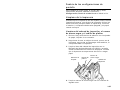
4. Carefully remove any jammed supply and close the
deflector. Do not pull the jammed supply out through
the front of the label deflector. Do not use sharp
objects to remove jammed supplies.
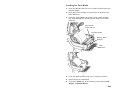
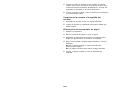
5. Reload the supplies and close the label deflector.
8-EN