1
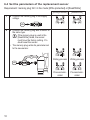
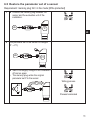
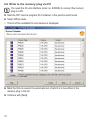
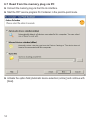
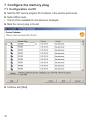
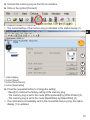
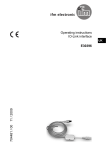
►► Connect the memory plug via the IO-Link interface.
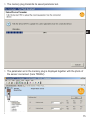
►► Click on the symbol [Connect].
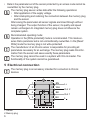
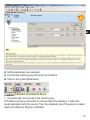
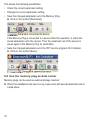
>> The current setting of the memory plug is indicated in the status display (1).
UK
1
2
3
4
1: status display
2: button [Reset]
3: button [Write Protect]
4: button [Read-Write]]
►► Press the requested button to change the setting:
-- Reset] (2) restores the factory setting of the memory plug.
-- The memory plug is set to the mode [Write protected] by [Write Protect] (3).
-- The memory plug is set to the mode [Read/Write] by [Read-Write] (4).
>> The command is immediately sent to the connected memory plug, the status
display (1) is updated.
19